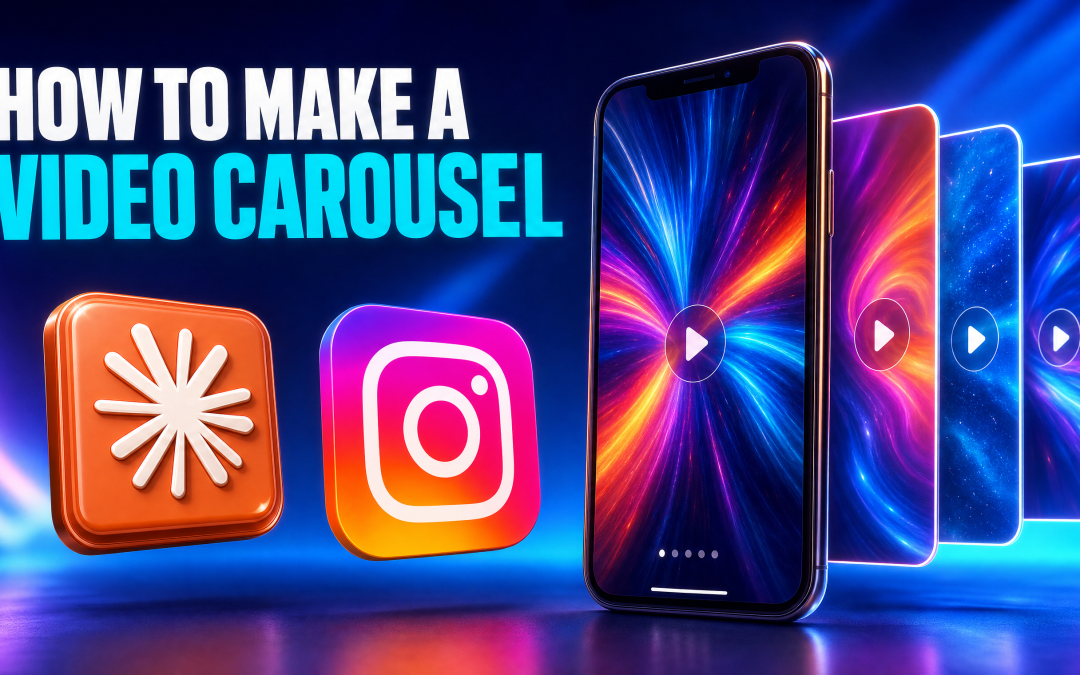
A normal carousel is a stack of still images. A video carousel is the same swipeable post, except every slide is its own short clip that moves, builds itself up and plays with sound. They are starting to show up more and more on Instagram, and the good news is you do not need an editor to make one.
I built three in one sitting. One from my own YouTube video, one from someone else's video, and one that is a fully AI-generated action movie with no cast, no crew and no set. This is exactly how, and how to post them once they are done.
What a video carousel actually is
On Instagram you can put several videos into one post. The viewer sees the first one play, then taps right to move to the next, and taps right again. That is a video carousel.
The difference from a Reel is the format. A Reel is one video. A video carousel is five or six short videos in a row, each one doing a single job: a hook, a point, a clip, a proof, a call to action. It reads like a carousel but it moves like a video.
Why I make them
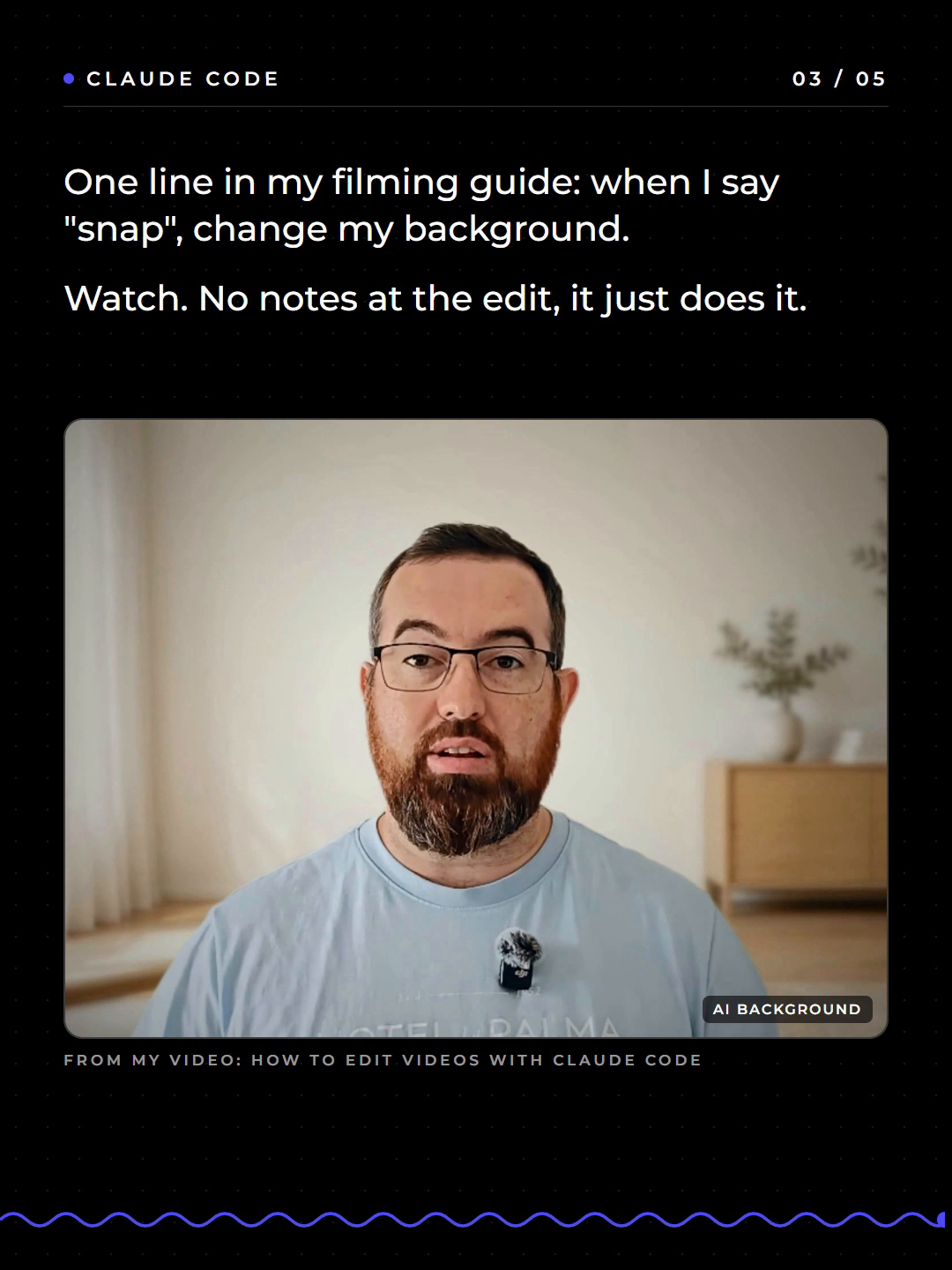
It is simple. You have already done the hard work. You recorded a video, you edited it, it is sitting on YouTube. A video carousel gets you more from that same work without filming anything new.
If you spent an hour recording and editing, you want the most out of it. Turning it into a carousel is a different way of showing the same information, to people who will never sit through the full video.
Step 1: Turn one YouTube video into a carousel
I use a Claude Code skill called /video-carousel. I type the command, paste in the link to one of my YouTube videos, and it does the rest.
It pulls the information out of the video, picks the strongest points, cuts short clips of me saying them, and condenses the whole thing into a five-slide carousel. Every slide is exported as its own MP4, ready to upload.
My first one came from my video on how I edit videos with Claude Code. One thing I would change straight away: on one slide the image crops too much of me. The focus should have been on the tools. That is the kind of thing you check before posting, not something the skill gets right every time.
Step 2: Try it on someone else's video (carefully)
To prove it does not only work on my own content, I gave it an Alex Hormozi video. It built the carousel in roughly five minutes, and it followed my own brand style closely, which is exactly what I wanted to see.
A word of warning. You are not going to go around copying other people's content and posting it as your own. Use someone else's video to test the tool, or as a reference, and bring your own idea and your own angle to anything you actually publish.
Step 3: Build an AI action movie carousel
This was the big test, and it is the opposite of what I normally make.
I generated four short action scenes first, with different video models:
- A corridor explosion, made with Flux. The first attempt on Seedance failed, so I switched.
- A fight in a shop, made with Higgsfield.
- A warehouse fight and a rooftop fight, both made with Seedance 2.5.
For the still images I used Leonardo, which costs me nothing because I have it through my Canva connection. Higgsfield would do the same job if you already use it.
Then I gave Claude all four clips with one prompt.
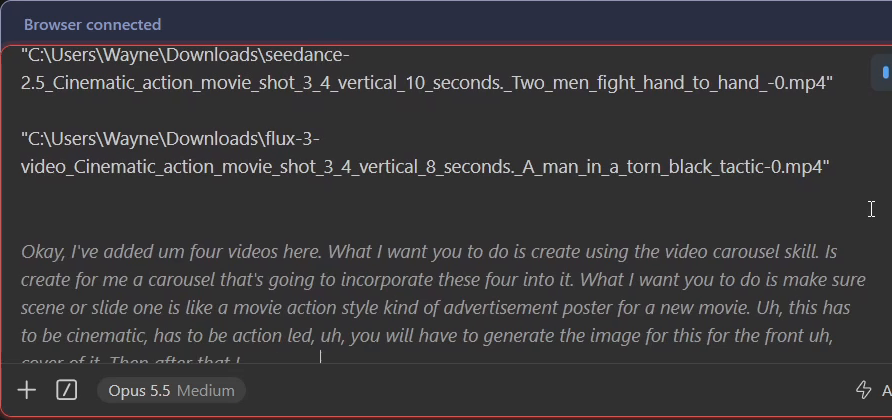
In plain terms, I asked for this:
- Use the video carousel skill.
- Make slide one a movie poster for a new action film.
- Keep it cinematic and action led.
- Generate the cover image.
- Put every clip in, with text and motion.
It came back with a six-slide carousel called Zero Crew. The cover is a generated movie poster based on the characters in the clips, and the four scenes play one after another with their own sound.
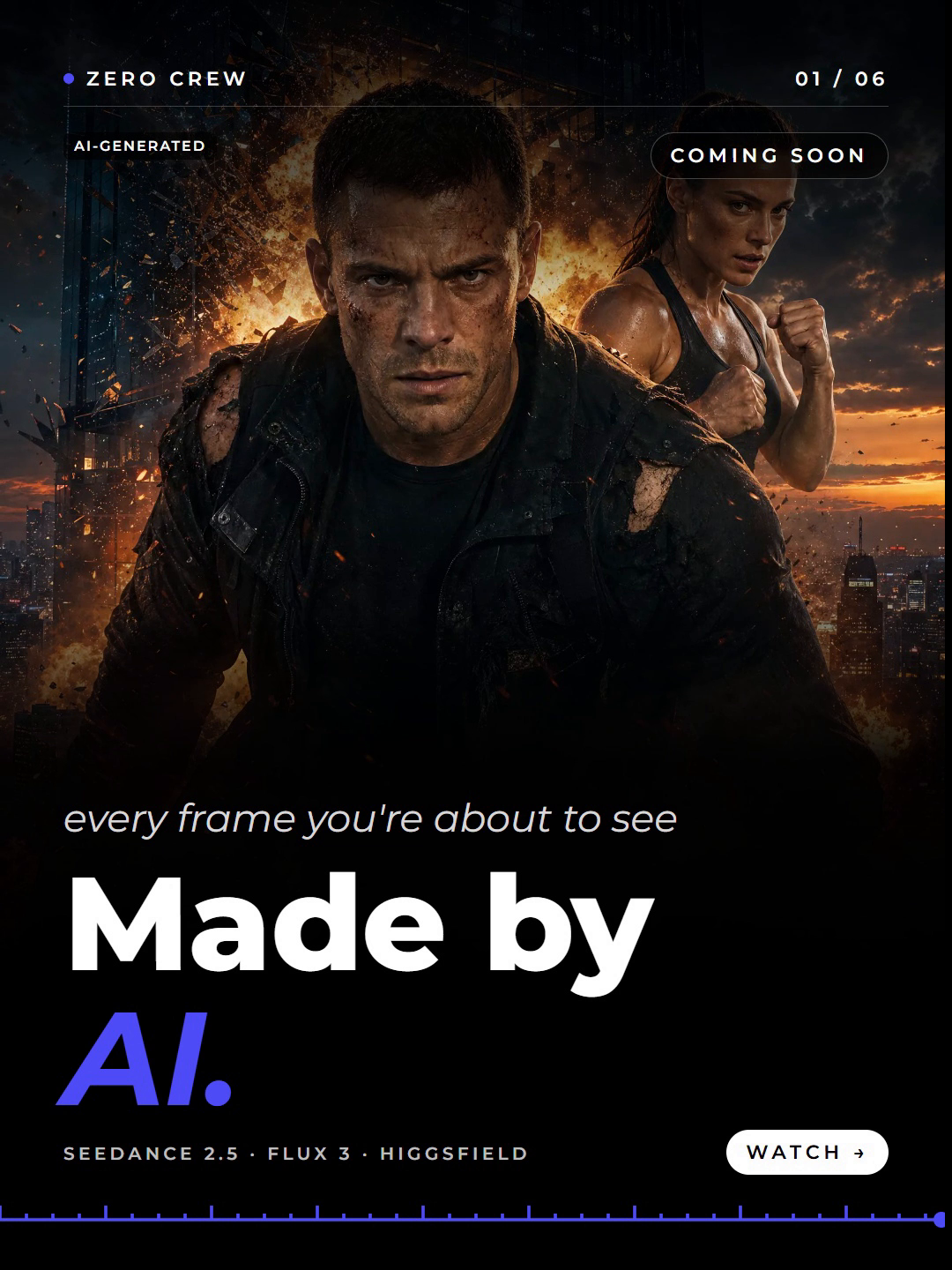
Check two things before you post one of these. The model names, so the labels on each slide are right. And the branding, because the skill uses whatever brand it knows. Mine came out in my own St Ledger colours. If you use it, make sure it is set up with yours.
How to post a video carousel on Instagram
This is where people get stuck, because the export is not one file.
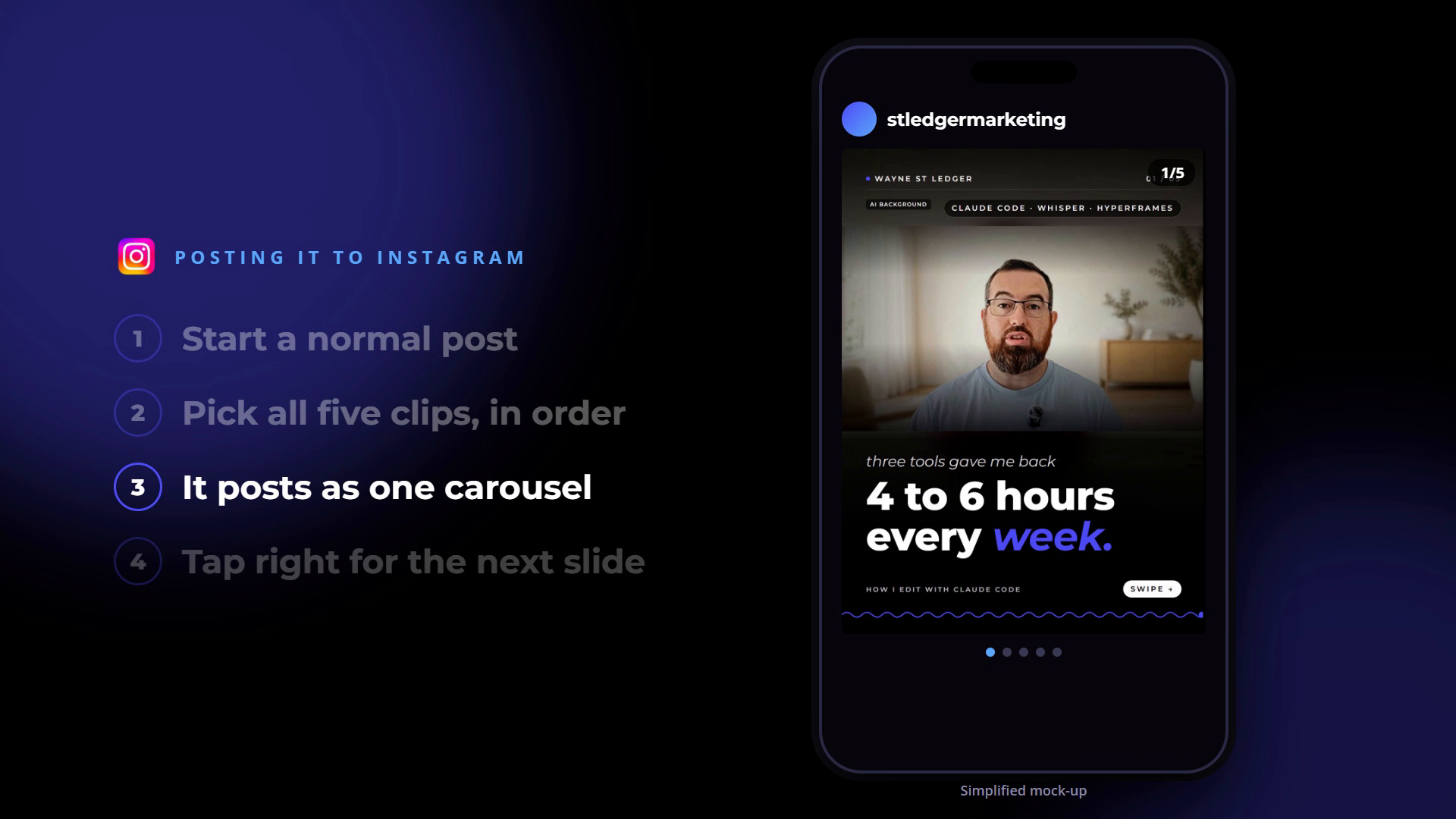
- Start a normal post. Not a Reel.
- Select all the clips, in order. The carousel exports five or six individual files. Upload all of them in the same post, slide one first.
- Post it. Instagram puts them together as one carousel.
- The viewer taps right to move from one slide to the next.
That is the whole setup. Same information, shown a different way, without starting anything from scratch.
Make it pull traffic: comment a keyword
The way I would set these up is with a keyword automation. The last slide asks people to comment a word. When they do, they get sent a direct message with a link, which in my case goes to the full YouTube video.
It is another good way to send an audience somewhere specific. It may get lots of views, it may get none. Either way, the carousel cost you very little to make.
Three carousels from one video
Within the space of one recording session I had three finished carousels: one from my own video, one from Alex Hormozi's video, and the AI action movie.
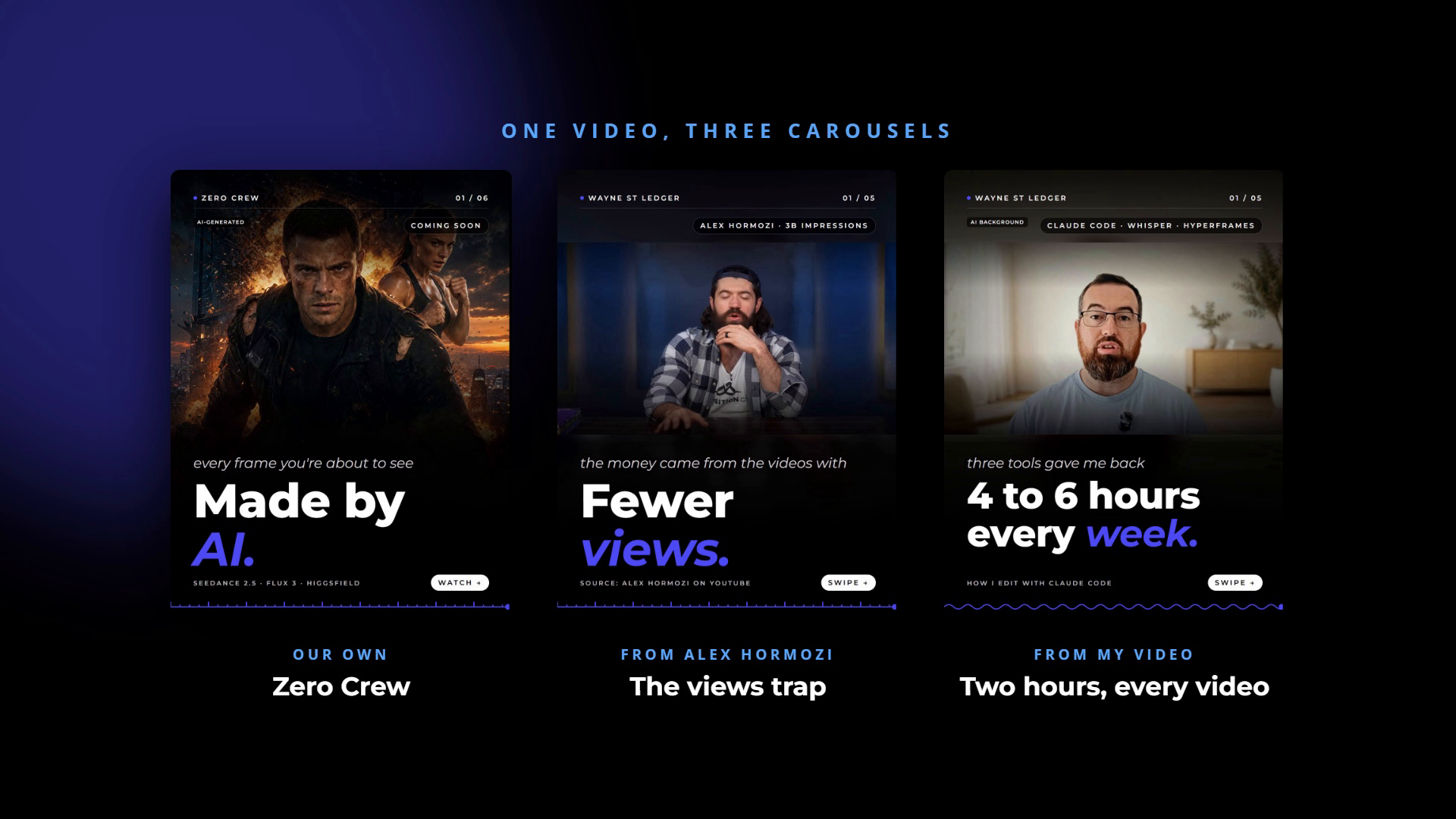
Content is not the problem anymore. Getting different styles that stand out is, and video carousels are a big one right now.
There is a client angle here too. If you work with clients, they can dump all their images into a folder, and you can turn that into carousels in a style that matches theirs.
Frequently asked questions
What is a video carousel? It is an Instagram post with several short videos in it instead of still images. The viewer watches the first one, then taps right to see the next.
How do you make a video carousel from a YouTube video? I use the /video-carousel skill in Claude Code. Give it the YouTube link and it pulls out the key points, cuts the clips and exports each slide as its own video file.
How do you post a carousel with videos on Instagram? Start a normal post, select every clip in order, and post. Instagram turns the separate files into one carousel automatically.
Can you make a video carousel with AI-generated clips? Yes. My action movie carousel used clips from Flux, Higgsfield and Seedance 2.5, with a generated poster as the cover. Label AI-generated video clearly when you post it.
How long does a video carousel take to build? The carousel from the Hormozi video took roughly five minutes once the skill was running. The AI movie took longer because the four scenes had to be generated first.
Where to start
Pick one video you have already published. Turn it into a carousel, check the crops and the labels, and post it as a normal post with every clip in order. Then watch which slide people stop on.
The /video-carousel skill from this article, plus the setup walkthrough, is inside The AI Marketing Hub.
Disclosure: Some links in this article are referral links. If you use one, I may earn a commission at no extra cost to you. I only link to tools I actually use.
How this was made: The facts, numbers and examples in this article come from my own work and videos. I use AI to help draft and structure the writing, then I review and edit every line myself before it goes live.

About the author
I'm Wayne St Ledger, and I run St Ledger Marketing. I started out in construction as a plasterer, then went on to a Bachelor's in Marketing and a Master's in International Business, which is where my bias toward results over talk comes from. I help business owners build marketing systems they actually understand, using AI in grounded, practical ways rather than hype. I also run a YouTube channel on marketing and AI, and The AI Marketing Hub, my own community for business owners and marketers putting AI to work properly.