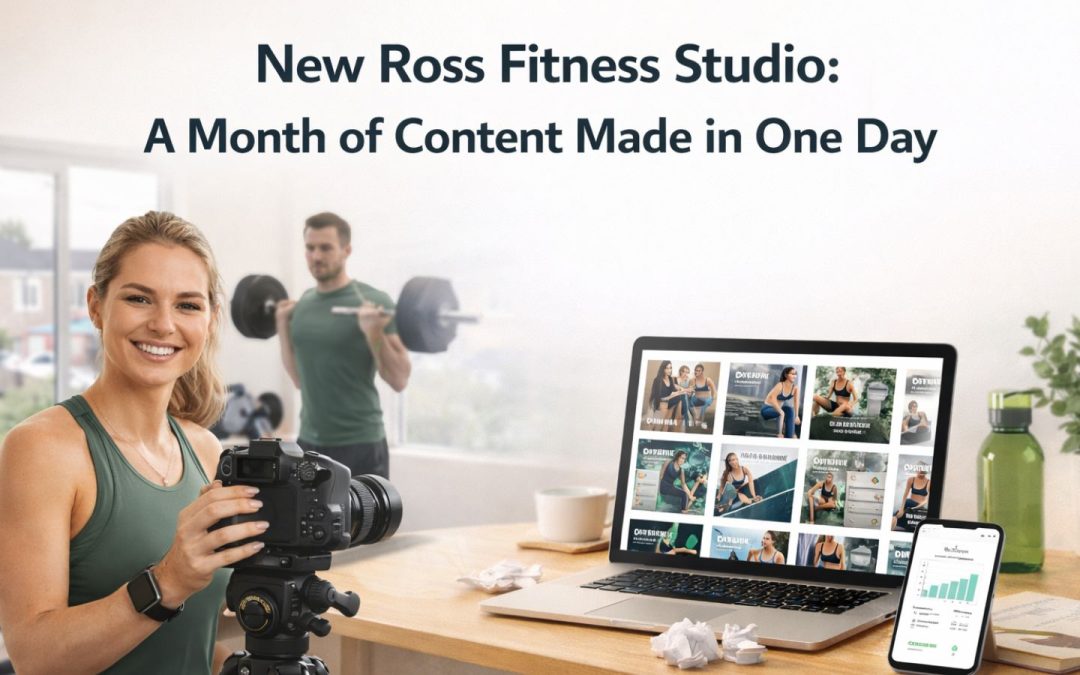
New Ross Fitness Studio: A Month of Content Made in One Day
Picture running a small fitness studio just in New Ross.
You have early morning classes, a lunchtime session, and a full afternoon of one-to-ones. By the time the last client leaves, the last thing you want to do is open Canva and start building Instagram posts from scratch.
But the posting still has to happen. Clients check your profile before they book. Consistency signals credibility. And without regular content, enquiries slow down regardless of how good the training actually is.
This is where AI social media content production changes things for a business like this, and it does not require a marketing budget or a designer on the team.
The Content Problem Every New Ross Fitness Studio Owner Knows
Imagine the studio owner has good intentions about social media. She knows she should be posting three or four times a week. She has plenty of material: client results, training tips, seasonal programmes, early morning slots available.
The problem is not ideas. The problem is production.
Every Instagram post she wants to create involves opening Canva, choosing a template that fits the brand, changing the colors, updating the text, resizing for the right dimensions, downloading, and uploading. That is thirty to forty minutes per post if she is not confident in design. Multiply by four posts per week, and she is spending two to three hours every week just on visual content.
She does not have two to three hours spare. Most fitness business owners near the Dunbrody Famine Ship Experience or anywhere else in New Ross do not.
So the content gets done in bursts when there is time, or it does not get done at all. The account looks inconsistent. The bookings reflect that.
The solution is not to hire a designer or start spending on content agencies. It is to change the production process entirely.

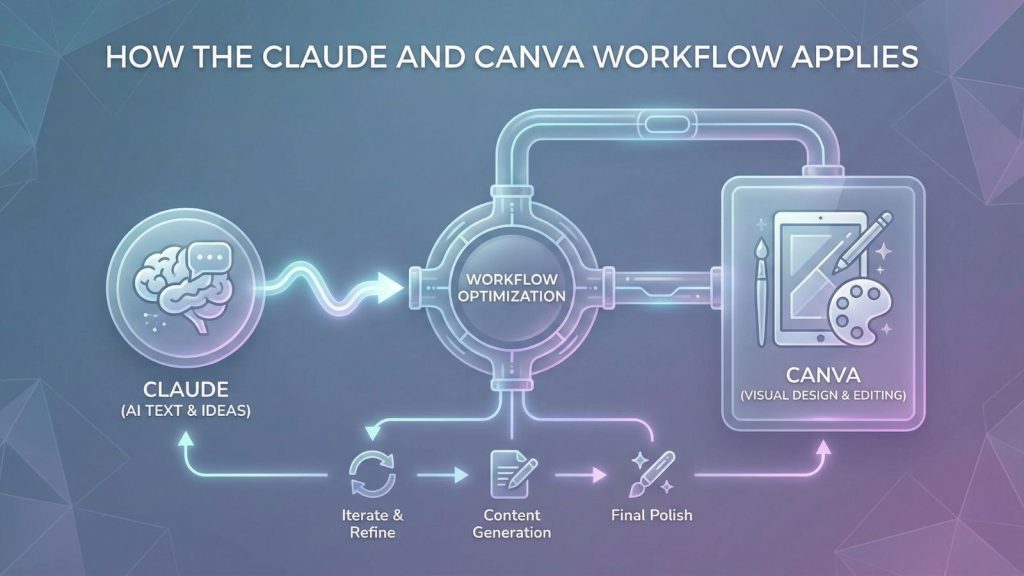
How the Claude and Canva Workflow Applies
The workflow is straightforward. Claude (Anthropic’s AI assistant, used in the browser) connects directly to Canva via a simple connector setup. Once connected, you prompt Claude to build designs, and those designs open inside your Canva account as fully editable files.
For a detailed breakdown of the full setup and step-by-step process, read our comprehensive guide to the AI social media content creation workflow.
For the fitness studio on South Street, this workflow becomes her content production system. Instead of building posts one at a time from scratch, she blocks one afternoon per month, runs through the workflow, and generates enough content for four weeks in a single session.
Here is what that afternoon looks like.
A Step-by-Step Session for a New Ross Fitness Studio
Before starting: She writes a one-paragraph brand brief she will paste into every prompt. It covers the studio name, the color scheme (black and dark green in this example), the audience (adults aged 25-50 in New Ross and surrounding areas), and the tone (direct, supportive, no-nonsense).
Instagram posts (30 minutes)
She prompts Claude to generate three variations of a post for the week’s theme, for example an early January session focused on starting a new training habit. She specifies the color scheme, the text she wants on screen, and includes the phrase “using Canva” in every prompt. Claude generates the designs and she gets a link to each one in her Canva account. She opens the best option, changes one line of text to fit exactly, and it is ready.
Three posts, done in under thirty minutes including editing.
YouTube thumbnail (15 minutes)
She records short training tip videos for YouTube once a month. Previously she spent as long on the thumbnail as on the video itself. Now she prompts Claude to generate a thumbnail matching her brand, with the video title text included. It opens in Canva. She adjusts the font size. Done in fifteen minutes.
Carousel: a five-part training guide (25 minutes)
She wants a carousel walking followers through a weekly training structure. She prompts one slide at a time using the same brand brief, each prompt building the next slide in the sequence. Five prompts, five slides, all consistent in style. She opens each in Canva, tweaks the text to match exactly what she wants to say, and exports them as a set.
Lead magnet: a free training guide (20 minutes)
She has been meaning to create a PDF guide to give to new enquiries. One prompt. Claude builds a six-page document in Canva. She edits the content, adjusts two headings, and has a lead magnet she can use for months.
Total session time: under two hours.
The Before and After: What Changes
Before this workflow:
– 2-3 hours per week on social media design
– Inconsistent posting when things get busy
– No lead magnet, no downloadable content
– Every piece built from scratch in Canva
– Content creation is a chore that gets deprioritised
After this workflow:
– One afternoon per month covers the full content calendar
– Consistent visual style across all platforms
– Lead magnet created and in use
– Every file is editable in Canva (no locked AI images)
– Content creation becomes a system, not a task
The output quality is not lower than what she was producing manually. In most cases it is more consistent, because the brand brief ensures the same colors and style appear in every piece.
We have seen this play out with fitness studios, salons, cafes, and tradespeople across New Ross and Wexford. The common thread is always the same: once the production friction is removed, the posting becomes consistent, and consistent posting drives enquiries.
If you are running a business anywhere from Market Square to the quays at North Quay and spending too long on content each week, this workflow is worth testing before you consider any paid content support.
You can speak with our team about building a content system like this for your specific business.
Frequently Asked Questions
Does this workflow work if I have no design experience?
Yes. Canva is designed for non-designers, and the Claude integration builds the initial design for you. Your role is editing: changing text, adjusting a color, moving an element. If you can use Canva at a basic level, you can run this workflow.
Will the content look generic?
Only if the brief is generic. The more specific you are about your brand colors, your audience, and the message you want to convey, the more on-brand the output is. A vague prompt produces vague results. A clear brief with specific text instructions produces content that looks like it was built for your business.
How long does the setup take?
Adding Canva as a connector in Claude takes about two minutes. After that, the integration is active and you do not need to set it up again. The first session takes longer while you are testing prompts and finding what works. Subsequent sessions are faster because you already know what to include in the brief.