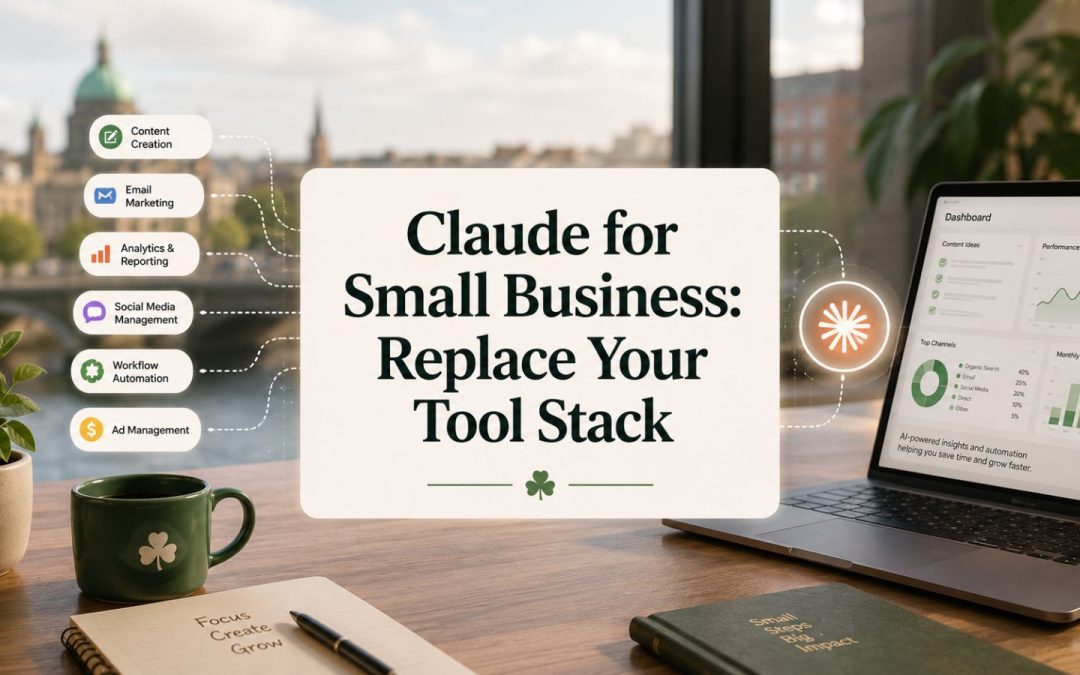
Claude for Small Business: Replace Your Tool Stack
The average small company runs an average of 42 separate software applications, according to the Zylo 2025 SaaS Management Index, and most owners could not tell you what half of them do. That sprawl is the real cost of modern business software: not just the monthly bills, but the tabs, the logins, and the mental load of holding it all together. Setting up Claude for small business collapses a lot of that pile into one workspace that does the work, instead of one more subscription that watches you do it.
I set this up live for a fictional personal-training business, FitStart, to show exactly how it works from a standing start. Inside one session I installed a plugin, built a landing page, analysed member churn, drafted a Facebook ad and an email campaign, and turned a single recording into more than a dozen social posts. The before and after on cost alone tells the story: a roughly €465 a month stack of separate tools replaced by about €79 a month. This is the full walkthrough of how Claude for small business actually comes together.
Why the tool stack is the actual problem
The trap most small businesses fall into is collecting software instead of building a system. You hear about a clever tool, you sign up, you half-learn it, and you move on to the next one, until you are paying for a dozen subscriptions that barely talk to each other. That Zylo average of 42 applications is not a sign of a sophisticated operation, it is a sign of sprawl that nobody is managing.
The wider market makes the sprawl almost inevitable. There are now more than 15,000 marketing technology products available, according to the chiefmartec 2026 landscape, each one promising to fix a slice of your problem. For a small business owner doing everything themselves, every new tool is another login, another bill, and another thing to learn in time you do not have. The cost is rarely the headline price, it is the fragmentation.
Setting up Claude for small business attacks that fragmentation directly. Instead of a page builder here, a copywriter tool there, a separate analytics dashboard, and a design app, you run one assistant that handles all of those jobs from plain instructions. The goal is not to add a smarter tool to the pile, it is to replace most of the pile with a single workspace you actually control. That is a different kind of decision than the usual tool shopping, and it is the one that pays off.
Setting up Claude for small business from scratch
The setup starts in Claude Cowork, the simpler interface that does not require you to think like a developer. The first move is to install a plugin of skills from the Marketing Hub, which loads in a library of ready-made jobs the assistant can perform. Then you create a clear folder structure and a context file that teaches the assistant who the business is. For FitStart that meant its services, its tone, its audience, and its offers, all written down once so every output respects them.
Context is the foundation, and skipping it is why most people get generic rubbish out of AI. With no information, the assistant guesses, and the output reads like it was written for nobody. With a proper context file describing the business, every job it does comes back on-brand without you reminding it each time. This is the single most important step, and it is the one beginners rush. Get it right and everything downstream improves at once.
Once the context and the skills are in place, the assistant stops being a chatbot and starts being an operator. You give it a plain-English instruction, it picks the right skill, reads the business context, and produces the output. No prompt engineering marathon, no jumping between apps. If you want the broader picture of how this fits the small business AI toolkit, my guide to AI tools for small business covers where an assistant like this sits against everything else on offer.
What it builds: pages, ads, and campaigns
With the system set up, the range of what one assistant produces is the part that surprises people. The first thing I built for FitStart was a landing page, generated from a brief and ready to capture leads, with no separate page builder subscription involved. That alone replaces a tool most small businesses pay monthly for and rarely use to its full value.
From there it moved into campaigns. I had it draft a Facebook ad and a full email campaign for the business, both written against the same context file so the messaging stayed consistent across channels. This is where the single-workspace approach earns its keep: the ad, the email, and the landing page all speak the same language because they all came from the same brief, instead of three different tools producing three slightly different versions of your brand.
The point is not any single output, it is that they all come from one place with one set of instructions. A small business owner does not have time to learn a page builder, an email platform, an ad manager, and a design tool, then keep them in sync. Having the assistant produce all of it against a shared context is what makes the whole thing manageable for one person. You are directing the work, not operating five separate machines.
Turning your own data into decisions
The part that moves this from a content tool to a genuine business system is the data work. I fed the assistant member data for FitStart and had it analyse churn and renewals, surfacing which members were at risk and how retention was trending. Then I had it identify the best and worst months for the business, the kind of pattern an owner often feels but rarely sits down to confirm with the actual numbers.
This matters because most small businesses are sitting on data they never use. The spreadsheet of members, the sales by month, the renewal dates, it all exists, but pulling insight out of it means either hiring someone or spending an evening you do not have wrestling with formulas. Handing that to an assistant that already knows the business context turns a dreaded admin task into a five-minute question. You ask what is happening with churn, and you get an answer you can act on.
That analysis then loops back into the marketing. Knowing the worst months tells you when to run a retention campaign, and knowing which members are at risk tells you who to email. The data work and the content work stop being separate jobs done in separate tools, and become one connected system where the numbers inform the messaging. For the strategic view of how this changes a small operation, see my guide to AI marketing for small business.

One recording into a fortnight of content
The last piece is the one most owners want most: content that does not eat their week. I took a single recording and had the system turn it into more than a dozen social posts, on brand, across formats, without me writing each one from scratch. That is the repurposing engine at the heart of the whole setup, and it is what makes consistent posting realistic for a one-person business.
The mechanics are simple once the system is built. You create one core piece, a recording or a written brief, and the assistant breaks it into carousels, posts, and short-form pieces, each cut to a different angle. One source becomes a batch, and the batch goes out across the week. The owner spends a couple of hours on the core idea, and the system handles the multiplication. This is the same principle that lets time-pressed managers save 7.2 hours a week with AI, according to Business.com’s 2026 small business AI outlook.
Add it all up and the economics are the headline. The separate tools FitStart would otherwise need, a page builder, an email platform, a design app, a scheduler, an analytics dashboard, come to roughly €465 a month. The Claude-based setup runs at about €79 a month: a Claude Pro plan, a scheduler, and an image generator. Same outputs, a fraction of the cost, and crucially, one system to run instead of a dozen to juggle. The saving is real, but the bigger win is the consolidation.
FAQ
What is Claude for small business actually used for?
It is used as a single workspace that replaces a stack of separate tools. In one setup it builds landing pages, drafts ads and email campaigns, analyses your own business data like churn and renewals, and turns one recording into a fortnight of social posts. The point is to run those jobs from plain instructions in one place instead of paying for and juggling many apps.
How do you set up Claude for a small business?
Start in Claude Cowork, install a plugin of skills, create a clear folder structure, and write a context file describing your business, its tone, audience, and offers. The context file is the most important step, because it makes every output come back on brand. Once that is in place, you give plain-English instructions and the assistant produces the work.
How much does it cost compared to normal business tools?
In my FitStart example, the separate tools it replaced came to roughly €465 a month, while the Claude-based setup ran at about €79 a month: a Claude Pro plan, a scheduler, and an image generator. The average small company runs around 42 software applications, so the saving comes as much from consolidation as from the lower monthly figure.
Do I need coding skills to use Claude this way?
No. The setup uses Claude Cowork, the simpler interface, and the skills come pre-built in a plugin you install. The work is done through plain-English instructions and a context file you write once, not through code. The real skill is describing your business clearly and deciding what you want, not programming anything.
Can it really analyse my business data?
Yes. Fed your member or sales data with the right business context, it can surface churn and renewal trends, flag at-risk customers, and identify your best and worst months. That turns data you already have but never use into decisions you can act on, and it links straight back into the marketing, so you know when to run retention campaigns and who to target.
How is this different from just using ChatGPT?
The difference is system versus chat. A generic chatbot answers one question at a time with no memory of your business. Setting up Claude for small business with a context file and installed skills creates an operator that knows your brand, runs multi-step jobs, and produces consistent outputs across pages, ads, data, and content from one workspace.
Build the system, not the software pile
The fastest way to lower your software bill and your mental load at the same time is to stop adding tools and start replacing them. Setting up Claude for small business as one workspace, taught your business once and pointed at real jobs, does the work of a page builder, a copywriter, an analyst, and a scheduler from plain instructions. One system you control beats a dozen subscriptions you barely use. If you want the exact plugin, folder structure, and prompts I used to build this, join the Marketing Hub for the full setup and a 7-day free trial to test it before you commit.