I was losing about two hours a day to editing video. Not filming it, not planning it, just sitting there cutting the pauses out and dragging clips around. Every morning started the same way: what do I record, how do I record it, and then the bit I dreaded, the actual edit.
So I stopped trying to get better at editing and built something that does it for me instead. I record once, I hand the file over, and I never open a video editor.
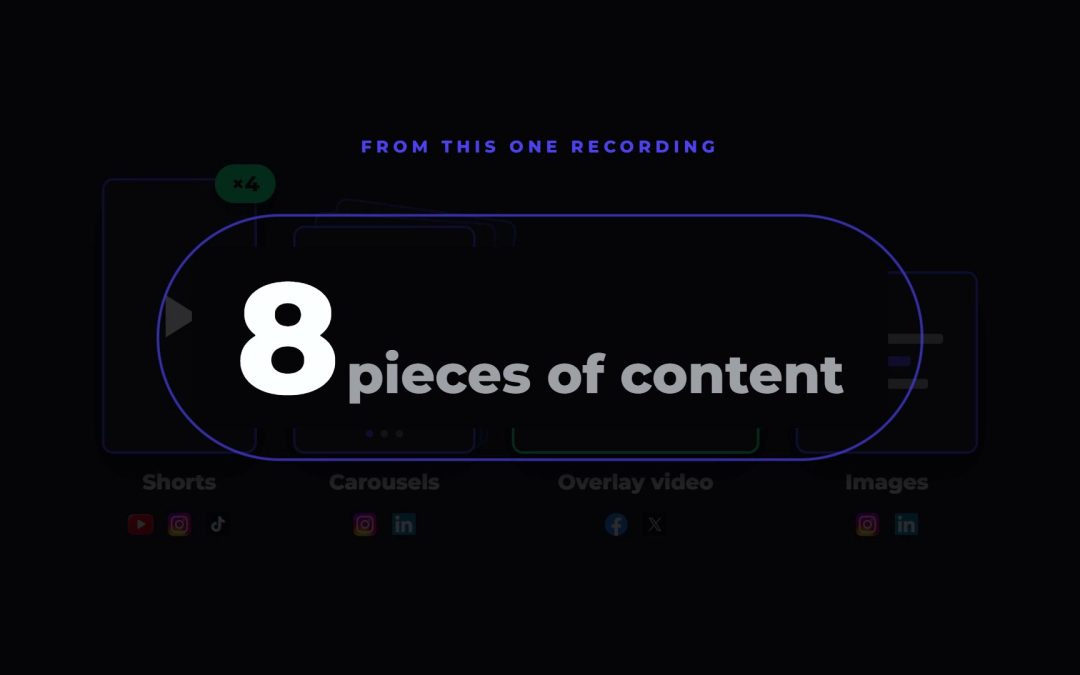
Before you read the rest of this, one straight answer, because the question people search for and the honest number are not the same thing. One recording does not give you a month of content. It gives you roughly eight pieces. Posted one a day, that is a bit over a week. Four recordings a month is what actually fills a month, and four recordings is a couple of hours of work, not sixty.
That is the real trade. Here is exactly how it runs.
What one recording session actually gives you
The output from a single sitting is fixed and predictable, which is the part that makes it plannable.
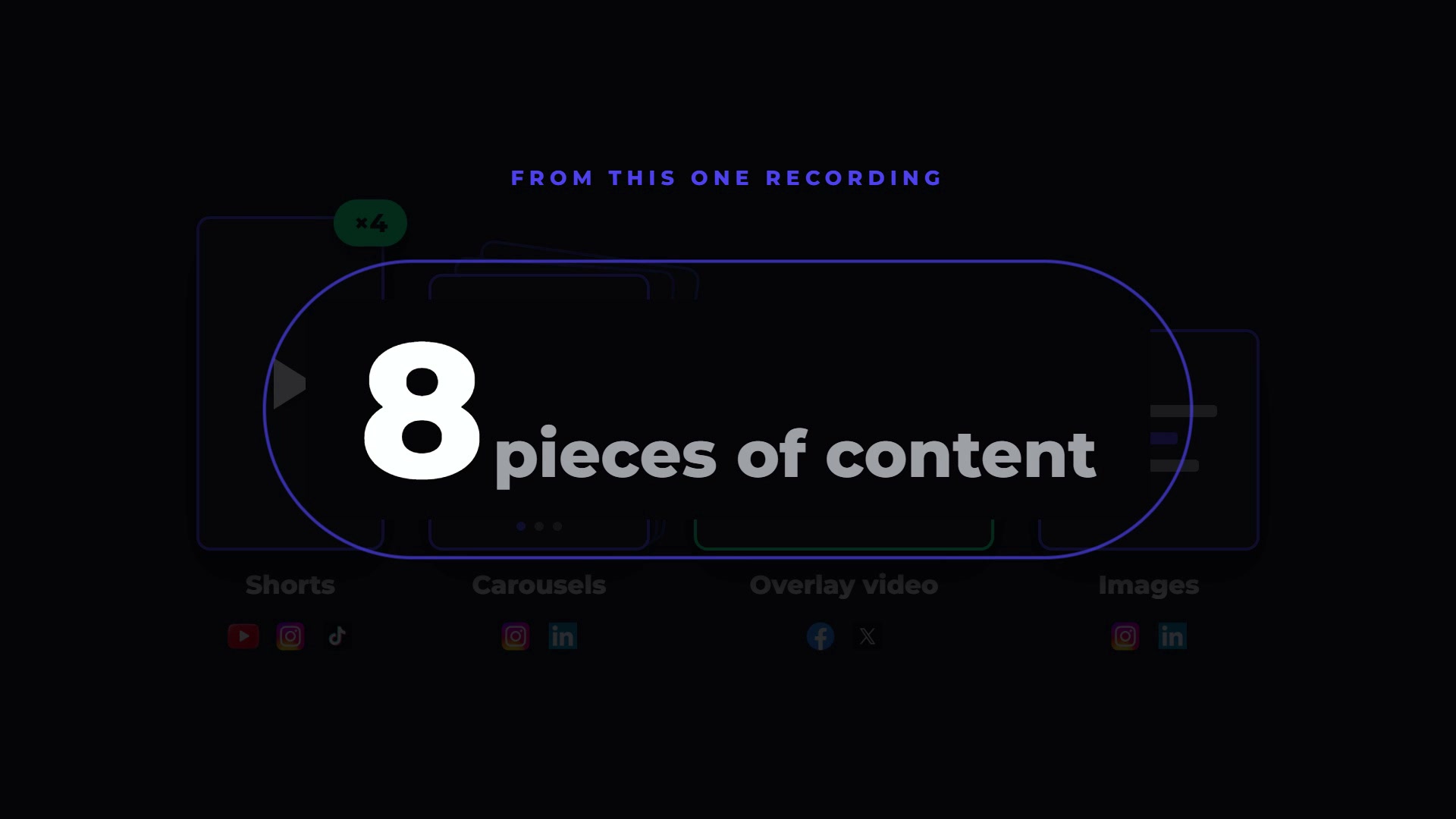
Eight pieces from one sitting, and every one of them lands on a different platform.
From one recording I get:
- One finished long form video, edited, with motion graphics and b-roll
- Three or four vertical shorts, each cut and edited on its own
- One or two carousels pulled from the strongest sections
- A b-roll overlay post, text burned over video
- One SEO article, written from the same transcript
- A thirty second trailer clip that promotes the long form video
Call it eight pieces. Some sessions give a bit more, some a bit less, depending on how much is genuinely in the recording. A rambling twenty minutes does not produce more content than a tight eight minutes. It produces worse content.
Why the count matters more than the ambition
Most repurposing advice tells you to think in volume. I would rather you think in arithmetic. Eight pieces at one post a day is eight days covered. Do that once a week and you are posting daily with room to spare, and you have spent your effort on the one part only you can do, which is talking about the thing you know.
Step one: the recording setup
There is no studio in this. I record on my phone, sitting on a couch, with a microphone in shot. That is the whole rig.
I also keep a webcam on a second screen for walkthrough style videos where I need to show something on the monitor. If you only have a phone, that is genuinely enough to start. This is the least important step and people spend the most money on it.
Where the file goes
The phone connects to Google Drive, so if I record while I am out the file lands in the cloud on its own. When I record at the desk it goes straight into a folder in my input structure. Either way, the file ends up somewhere the AI is already watching.
That folder is the whole handover. There is no upload step, no export settings, no naming convention to remember. I finish talking, the file appears, and the next stage can start.
Speaking your edit into the recording
This is the part that changes how you record, and it is the single most useful habit in the whole process.
While I am talking, I describe the graphic I want. Out loud, mid sentence. "On the left hand side of the screen you'll see a bar chart pop up, showing how AI is being used by businesses in Ireland, labelled by year for the last three years."
I do not stop, I do not make a note, I just say it and keep going. The AI reads that out of the transcript later, goes and finds the figures if it does not already have them, and builds the chart into the cut at the right moment. In that example the numbers came from the CSO: 8% of Irish enterprises using AI in 2023, rising to 15% in 2024 and 20% in 2025.
Same for camera moves. I can say the frame should drop into the corner, or move to the left, and it does, on the word.
Once you get used to this, you stop thinking of the recording as raw footage. It is footage with instructions baked into it.
Step two: handing it over
I have an AI manager I call Alex. The instruction is one line: run the long form edit on this video. From there it works through the same sequence every time.
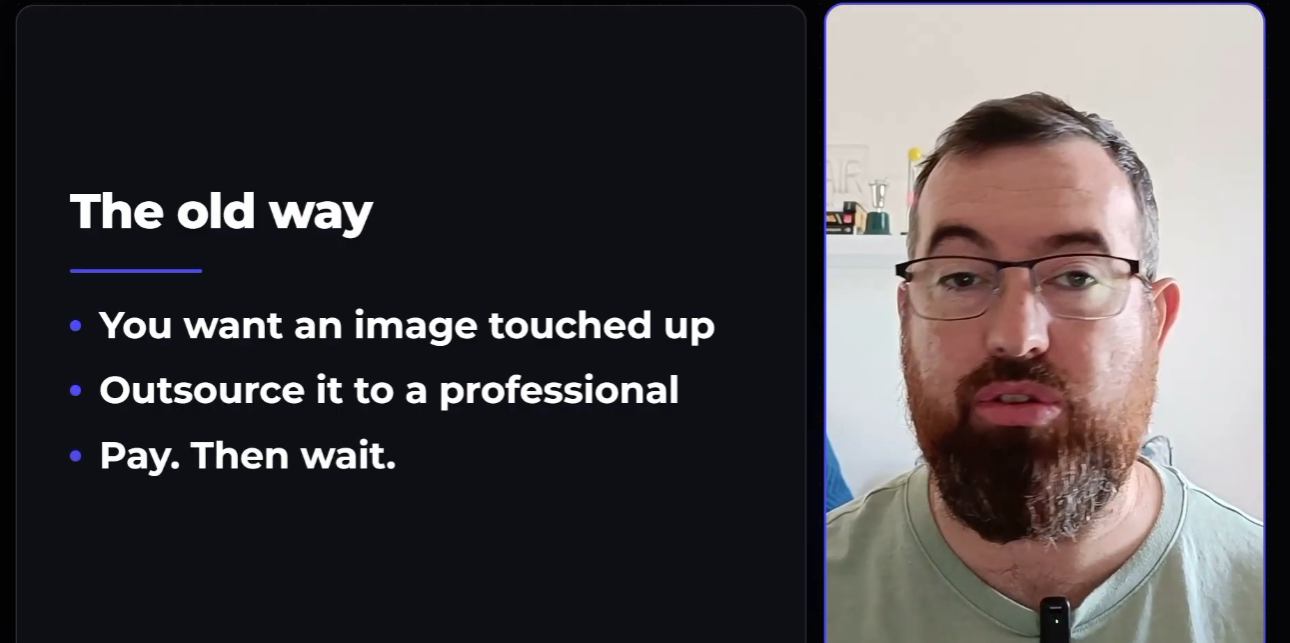
A finished frame from one of these edits. The card on the left was built from a line in the transcript, not made by hand.
Transcribe first, always
Nothing happens before the transcription. That is not a formality, it is the thing everything else reads from.
Once there is a word level transcript, the AI can see every pause, every stumble, and every retake. When I fluff a line I just say so out loud and start again, and it understands that instruction the same way it understands the graphics cues.
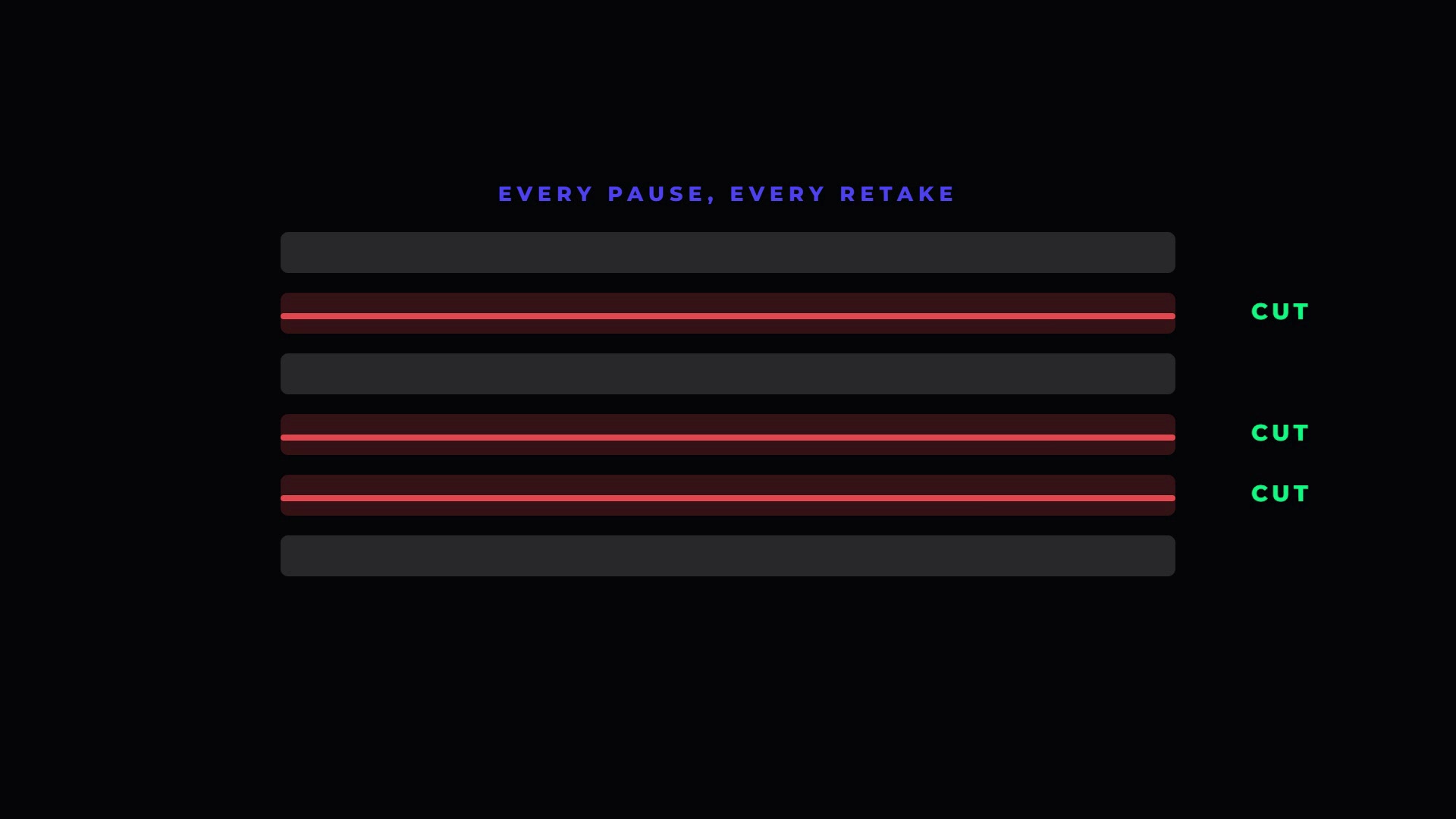
Every dead gap and every retake is identified from the transcript and removed before a single graphic is added.
The cuts are word safe. It never lands in the middle of a word, which is the failure that makes most auto-editing tools unusable.
Then the graphics, the b-roll and the captions
With a clean cut, it goes back over the transcript a second time and works out where a graphic earns its place. A number gets a count up. A comparison gets a two card layout. A list gets boxes that arrive one at a time.
B-roll and images come from Higgsfield, generated to match what I am actually saying rather than dropped in as filler. Nothing is invented. If I did not say it, it does not appear.
The preview, before anything renders
The edit does not go straight to a file. It comes up in a browser preview window where I can watch the whole thing, scrub around, and say what I want changed.
That gate matters. It is the difference between AI doing the work and AI doing whatever it likes. I confirm, it renders, and the video is finished.
Step three: where the pieces go
The render is not the end of it. Several things run in the background off the back of the same transcript.
The video becomes an SEO article for the website. It gets cut into three or four vertical shorts. The strongest sections become carousels, and one becomes a b-roll overlay post.
The shorts are edited, not just cropped
This is where a lot of repurposing falls down. A short is not a long video with the sides chopped off.
I record centred in frame specifically so a nine by sixteen crop has something to work with. Each short then gets its own edit: the crop centres on me, it gets its own motion graphics, overlay text, burned in captions and a title hook. Nothing is squashed into a corner with black bars around it.
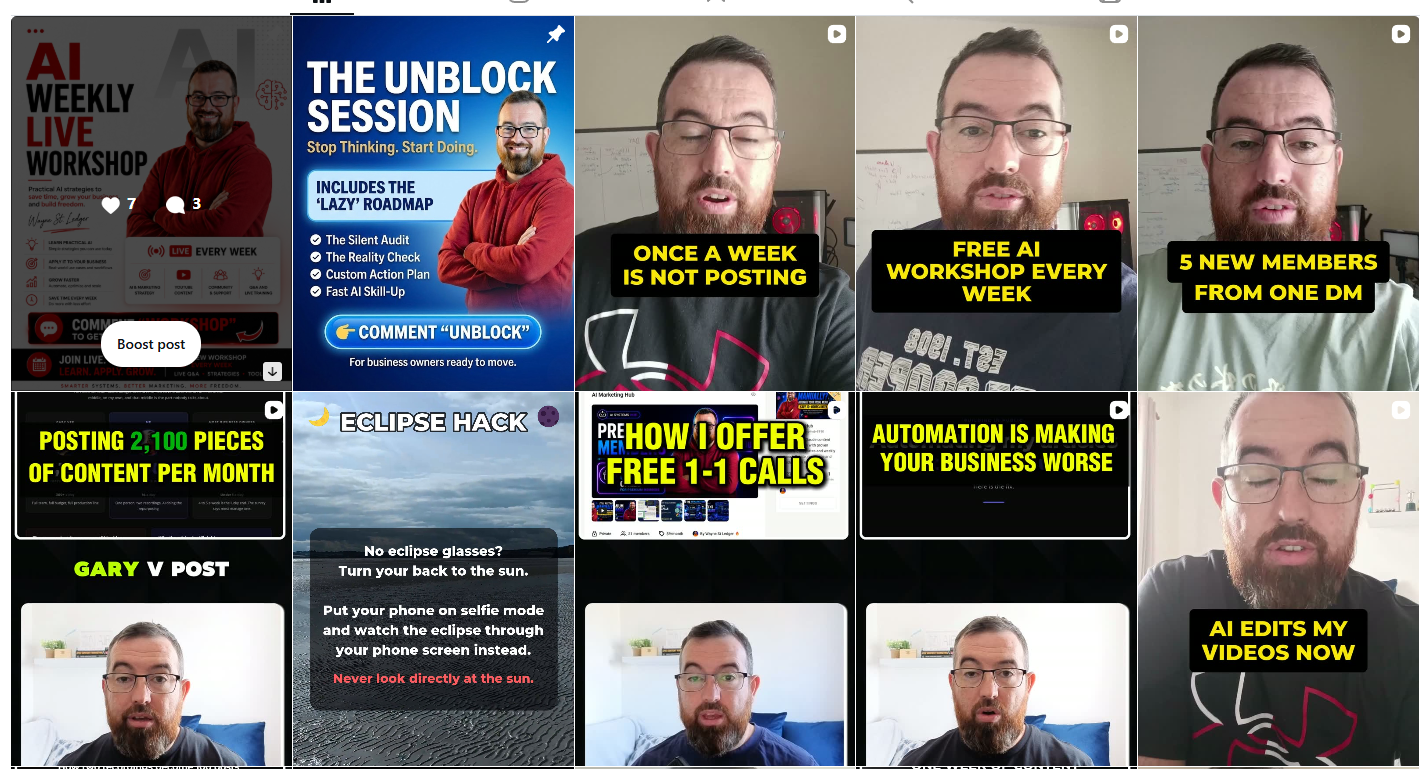
The live grid. Every tile on it started as one of these recording sessions.
The daily automation
Everything lands in a scheduling folder, and at eleven o'clock every morning an automation runs.
First it publishes a thirty second trailer clip from yesterday's video to LinkedIn and Facebook, with the link to the full video in the post. Then it checks the folder for anything else waiting, reels or carousels, and schedules it into the next free slot.
I do not touch that step. The only thing I do is record.
If you want the mechanics of the scheduling side on its own, I broke that down separately in how to post on all social media at once.
The honest maths on a month of content
Back to the question at the top, properly answered.
One recording gives about eight usable pieces. If you post once a day across your channels, that is eight days. Two recordings covers a fortnight. Four covers a month, with a few spare for the weeks something goes wrong.
The recording itself takes as long as the video is, plus a few minutes of setup. Call it thirty minutes for a ten minute video once you include getting sat down and starting again twice. Four of those is two hours a month of my time.
Against two hours a day, that is the whole argument. I am not claiming the content is better than a professional editor would make. I am saying it is good enough to publish, it is consistent, and it costs me almost nothing to produce.
What actually limits you
Not the editing. The editing stopped being the constraint the day I handed it over.
What limits you now is whether you have something worth saying four times a month. That is a much better problem to have, and no tool solves it for you.
What this does not do
Worth being straight about the boundaries, because the pitch for this kind of setup is usually dishonest.
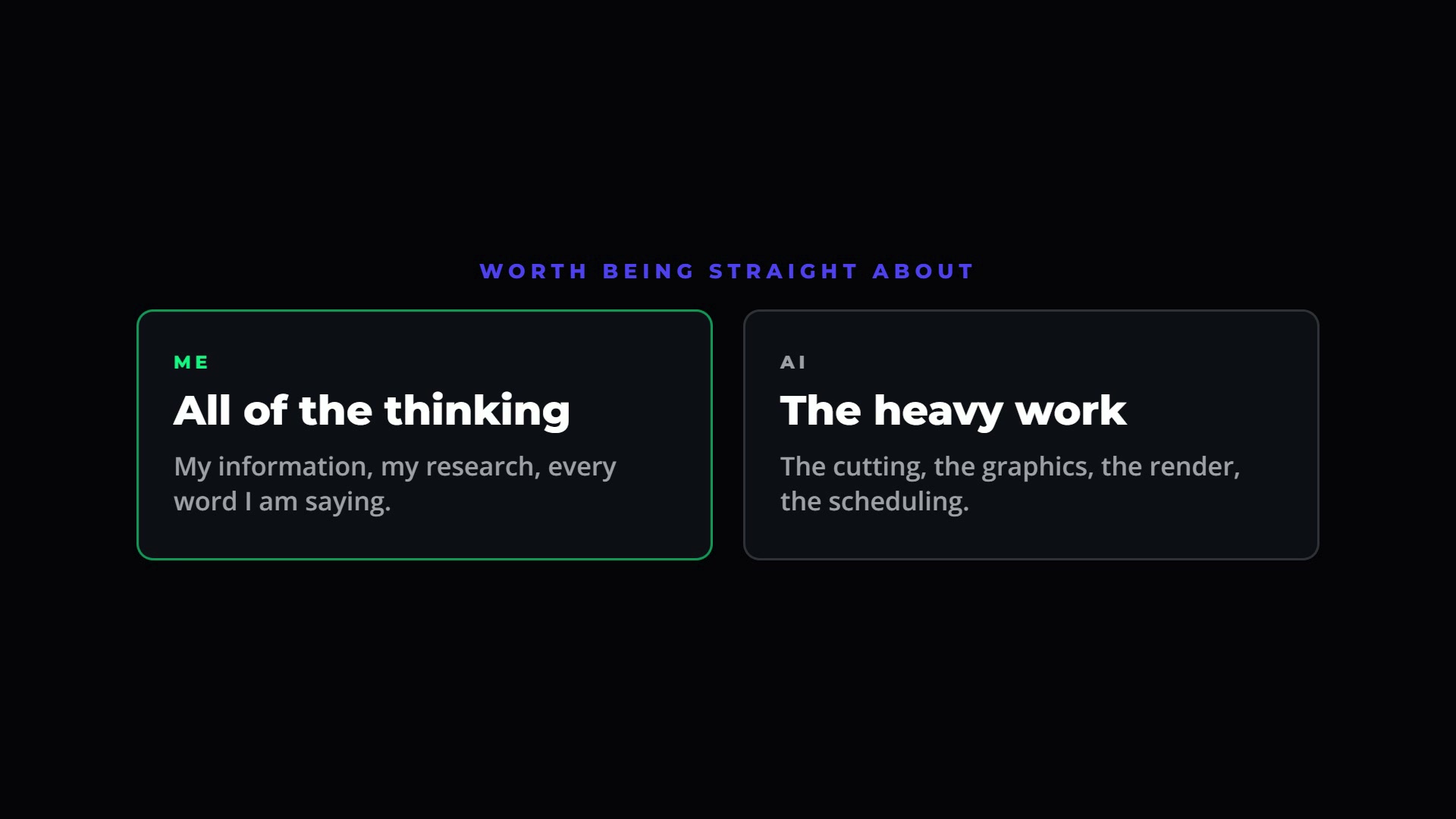
The split that keeps this honest. The judgement stays with me and the labour goes elsewhere.
It does not write the content. Every word in the video is mine, spoken by me, in one take, based on what I actually do for a living. The AI is doing the cutting, the graphics, the render and the scheduling. That is heavy work, and it is all it is doing.
It also does not rescue a bad recording. If the thinking is muddled going in, you get eight muddled pieces out instead of one. Repurposing multiplies whatever you give it, in both directions.
And it is not instant to set up. The first version of this took me a while to get right, and it still gets adjusted most weeks. Anyone selling you a version of this that works perfectly on day one is selling you something else.
Frequently asked questions
How many pieces of content can you really get from one video?
About eight from a single recording session. That breaks down as one long form video, three or four vertical shorts, one or two carousels, a b-roll overlay post, an SEO article and a thirty second trailer clip. The number moves depending on how much genuine substance is in the recording, not on how long it is.
Do you need expensive equipment to record?
No. This is recorded on a phone with a microphone, sitting on a couch. A second webcam is useful for screen walkthroughs, but it is optional. Equipment is the part of this that people overspend on and it makes the least difference to the finished result.
How does AI know which graphics to add to the video?
It reads the transcript. While recording, I describe the graphic I want out loud, in the middle of the sentence, and that instruction gets picked up from the transcript afterwards. Where I have not asked for anything specific, it decides based on what the sentence contains, so a number gets a count up and a comparison gets a two card layout.
Can AI cut out pauses and retakes on its own?
Yes, and this is the part that saves the most time. The word level transcript shows every silence and every restart, so they are identified and removed before any graphics are added. The cuts are word safe, so it never lands mid word, which is where most automatic editing tools fall apart.
How long does the whole process take?
The recording takes about as long as the finished video, plus a few minutes to get set up. Everything after that runs without me, apart from one review of the browser preview before the final render. Four recordings a month is roughly two hours of my time and covers a month of daily posting.
Disclosure: Some links in this article are referral links. If you use one, I may earn a commission at no extra cost to you. I only link to tools I actually use.
How this was made: The facts, numbers and examples in this article come from my own work and videos. I use AI to help draft and structure the writing, then I review and edit every line myself before it goes live.

About the author
I'm Wayne St Ledger, and I run St Ledger Marketing. I started out in construction as a plasterer, then went on to a Bachelor's in Marketing and a Master's in International Business, which is where my bias toward results over talk comes from. I help business owners build marketing systems they actually understand, using AI in grounded, practical ways rather than hype. I also run a YouTube channel on marketing and AI, and The AI Marketing Hub, my own community for business owners and marketers putting AI to work properly.