
Most people looking for a ManyChat alternative are not unhappy with ManyChat. They are unhappy with the invoice. You already pay for something that schedules your posts, and now a second product wants its own monthly fee to send a direct message when somebody comments a word underneath one of them. Two subscriptions, two logins, one job.
I nearly did exactly that. Then I opened the scheduling tool I already pay for and found the feature sitting inside it, switched off, costing nothing extra. This is what I found, what it does well, and the part where ManyChat is still genuinely the better product.
What a ManyChat alternative actually has to do
Strip the category back and the job is small. Somebody comments a trigger word on your post or reel. They get a direct message containing a link. You capture an email address somewhere along the way. That is the whole loop, and it is the loop almost every "comment BELOW for the guide" post on Instagram is running.
The reason that loop matters is volume. According to Heymarket, 150 million Instagram users have a conversation with a business every month, using Instagram Business data. Comment triggers are simply a way of joining that queue on purpose rather than waiting to be messaged.
So any replacement has to cover four things: the trigger word, the automatic reply, a link that survives being tapped on a phone, and a way to collect the email. Anything beyond that is a bonus rather than a requirement.
The real cost is paying twice for one job
Here is the part nobody puts in the comparison table. The problem is rarely that a tool is expensive. It is that two tools you own do overlapping work, and you never sit down and check.
That overlap is not a small business quirk, it is an industry default. Vertice found that around 15% of business applications sit completely idle as shelfware, while another 51% are underutilised, meaning less than half the purchased capacity gets used. In other words, two thirds of the software a company pays for is either dead or half dead.
Small companies are not exempt either. Data from Zylo's 2025 SaaS Management Index, summarised by Breeze, puts small companies at roughly 152 SaaS applications each, with 53% of licences sitting idle. Nobody buys 152 tools on purpose. They accumulate, one reasonable decision at a time.

Run the overlap check before you buy anything
Before adding any tool, open your current one and search its settings for the feature you are about to pay for. It takes two minutes. In my case the scheduling platform I use, Blotato, had added comment keyword automation as a feature of the plan I was already on. No upgrade, no add-on, no extra line on the card.
That is the honest answer to the ManyChat alternative question for a lot of small businesses. The alternative is frequently a checkbox in something you own.
How comment-to-DM works when it lives inside the posting tool
The setup itself is unremarkable, which is the point. You pick the post or reel, set the trigger word, write the message the person receives, and attach the link. Then you turn it on for Instagram and Facebook.
The advantage of it living beside your scheduler is not the feature list. It is that the accounts are already connected. When a separate product handles your DMs, you authorise Instagram twice, you keep two sets of permissions alive, and you rebuild the same automation in a second interface for Facebook. Here the connection was made months ago for posting, so the trigger inherits it.
Where this saves the most time
The saving is not in the initial build, which takes minutes either way. It shows up every time you publish something new. Because the automation and the calendar are the same tool, attaching a trigger to a fresh post is part of scheduling it rather than a separate errand in another tab.
For anyone already running a repeatable publishing routine, this slots in without changing anything. If you have not built that routine yet, our AI social media content creation workflow covers the scheduling side first, which is the part worth getting right before you automate replies to it.
What the DM actually sends matters more than the DM
A trigger word is worthless if the link goes somewhere thin. This is where most comment automations fall down, because writing the guide is real work and the automation is the easy half.
I tested this by asking Claude to build the whole thing in one go: write the lead magnet from a research file I already had, publish it to a live URL, add it to my public library of guides, record it in Notion, and create the comment automation with a trigger word of its own choosing.
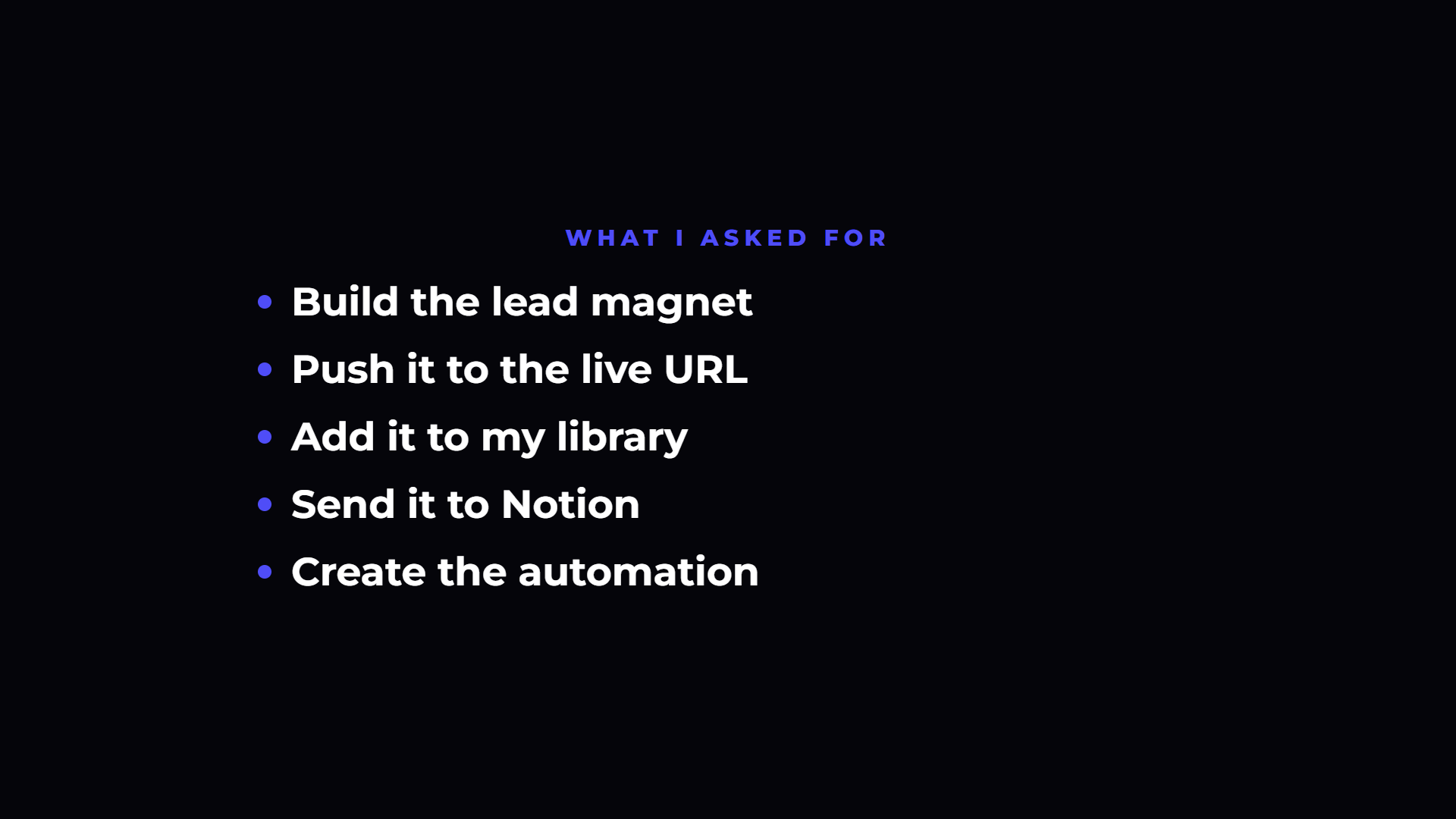
It came back in about four minutes with a live page carrying an email opt-in, an updated library index, and the automation configured on both platforms. Start to finish, including me talking through it on camera, the whole exercise took roughly twenty minutes.
The number that matters there is not four minutes. It is that the guide, the page, the email capture and the automation were produced by the same instruction, so none of them could drift out of sync with the others.
The post carrying the keyword is part of the automation
An automation with nothing pointing at it does nothing. The trigger only fires when somebody comments, and somebody only comments when a post tells them to, so the promotional post is not a separate marketing task. It is the front door of the whole thing.
This is the second place a combined tool pays off. Because the scheduler and the trigger are the same product, the post announcing the keyword and the automation listening for it are set up in the same session, and the keyword in the caption is guaranteed to match the keyword in the trigger. Anyone who has typed a keyword into two different interfaces knows how that goes wrong.
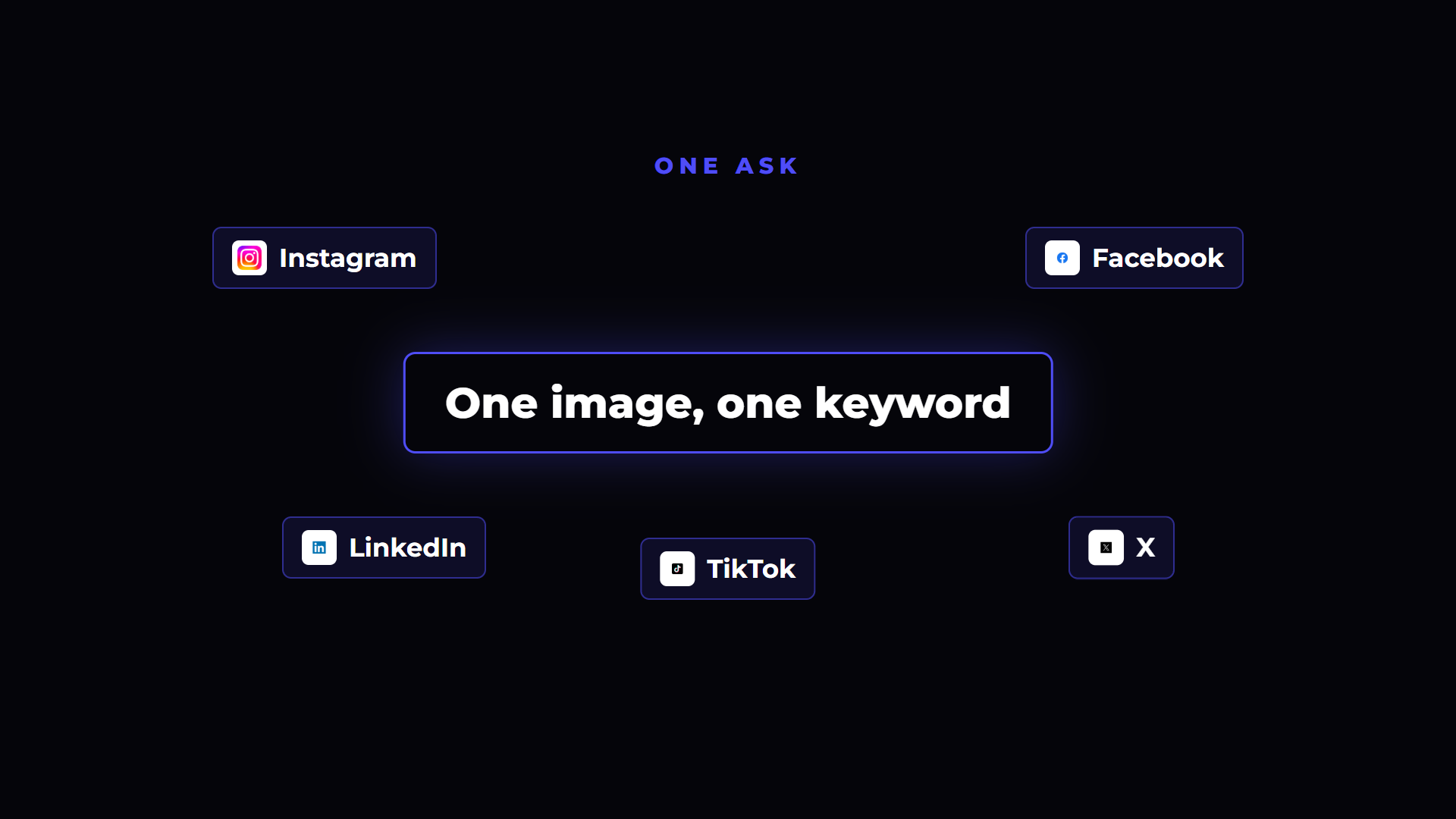
In my test the image and the caption came out of the same instruction as the automation, with the trigger word placed at the top of the caption where people actually read it. Then it went to Instagram and Facebook on a schedule.
Put the keyword where it gets seen
Two practical notes on the caption itself. Put the trigger word in the first line, because Instagram truncates captions and a keyword hiding behind "more" gets typed by nobody. Then pick a word nobody would type by accident. Generic words like "info" or "yes" collect false triggers from ordinary conversation, whereas a distinct word tied to the guide only fires when somebody means it.
Keep the word consistent everywhere you mention it too. If the caption says one thing, the reel says another and the pinned comment says a third, the automation only matches one of them and the rest of your commenters get silence.
Where ManyChat is still the better product
This is the section most comparison articles skip, so let me be direct about it. ManyChat does more than send a link when someone types a word.
It has considerably deeper tooling for re-engaging an audience after that first message, including sequences, tagging and follow-up flows that a scheduling tool's trigger feature does not attempt. If your business runs conversational selling in the DMs, where the automation is the start of a real back-and-forth rather than a delivery mechanism, ManyChat earns its subscription and you should keep it.
There is also a regional catch worth knowing. From Ireland I cannot access the TikTok side of these integrations at all, which may or may not apply where you are. Check availability in your own country before assuming any comparison holds.
How to decide between them
The decision comes down to one question, and it is not about price. Ask what happens after the DM lands.
If the answer is "they click the link and read the guide," then a comment trigger inside your posting tool is enough, and a second subscription buys you features you will never open. However, if the answer is "we start a conversation that we want to nurture over days," then you are buying a messaging platform, not a trigger, and ManyChat is a messaging platform.
Be honest about which one you actually are. Most small businesses running one guide behind one keyword are in the first group and are paying for the second.
Working out which tools genuinely earn their place is the sort of thing we go through in detail inside The AI Marketing Hub, where I break down the systems I run in my own business rather than the ones I would sell you. There is a seven day free trial if you want to look around first.
A three-step check before you subscribe to anything
First, open the tool you already pay for and search its feature list for the thing you are about to buy. Second, count how many separate products currently touch your social accounts, because every one of them is a permission you maintain. Finally, write down what happens in the forty-eight hours after somebody comments your keyword. If nothing does, fix that before you spend money automating the first message.
FAQ
What is the best ManyChat alternative for a small business?
The cheapest genuine alternative is usually a feature inside your existing scheduling tool rather than a separate product. Comment keyword automation now ships inside several posting platforms, covering Instagram and Facebook triggers without a second subscription. Check your current tool first. If it handles the trigger, the reply and the link, that is the alternative.
Can you do Instagram comment-to-DM automation without ManyChat?
Yes. Instagram's messaging permissions are available to any approved platform, so several scheduling tools now offer comment triggers directly. You set the keyword, write the message, attach the link, and switch it on per post or account-wide. The setup takes a few minutes because the account connection already exists for publishing.
How much does ManyChat cost compared with the alternatives?
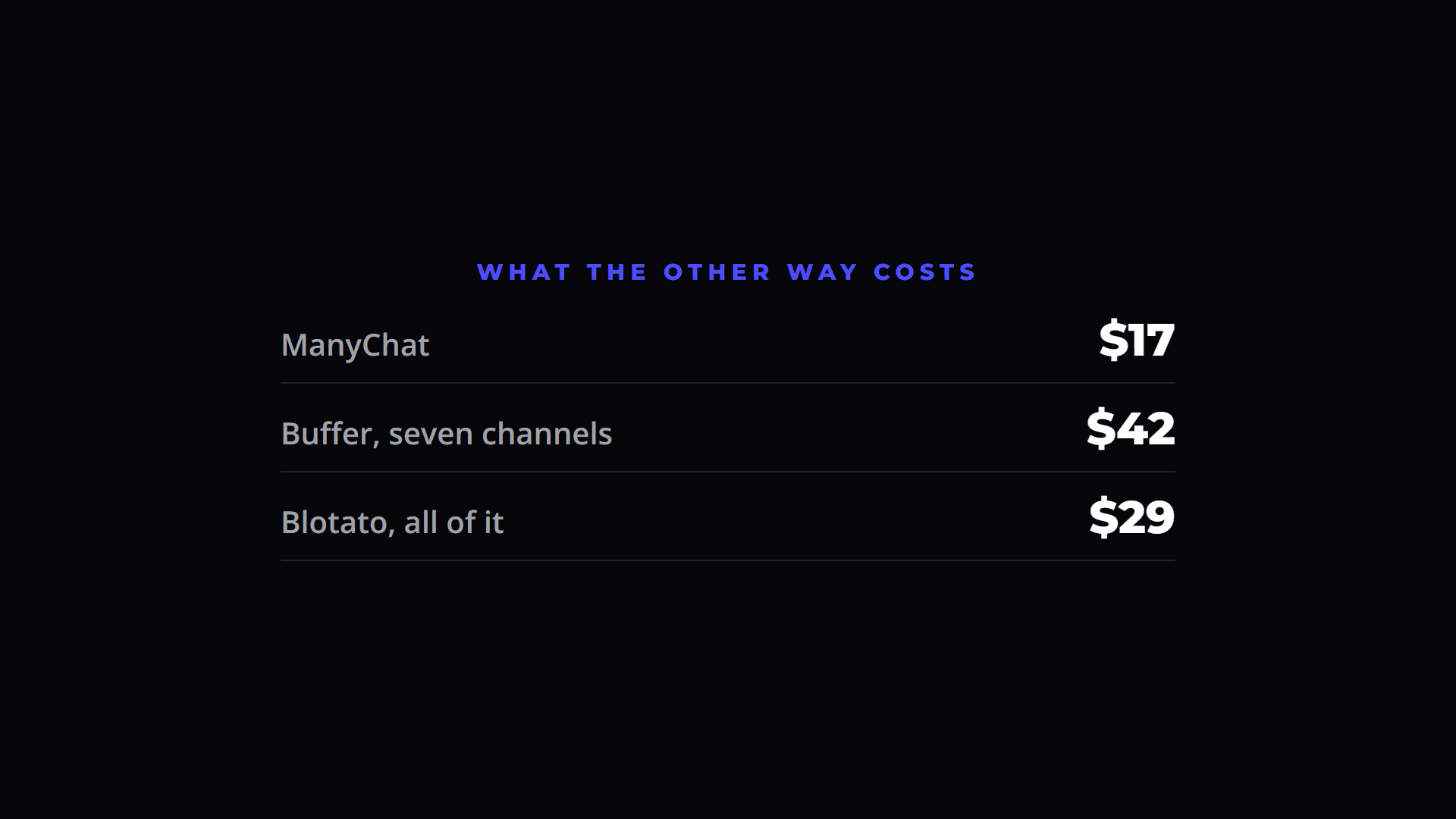
ManyChat sells a paid tier on top of whatever you already spend on scheduling, so the real comparison is the combined monthly total rather than either price alone. When the trigger feature is included in a plan you hold, the marginal cost of the alternative is zero. The gap is therefore the entire ManyChat subscription.
Does a comment keyword automation work on Facebook too?
It does, provided the tool supports Facebook Pages as well as Instagram. Running both from a single setup avoids rebuilding the same flow twice. Availability varies by country and by platform, particularly for TikTok, so confirm which channels are supported in your region before committing to any tool.
Is it worth automating DMs if my posts get few comments?
Automation costs you nothing per comment, so a low volume is not an argument against it. It is an argument against paying extra for it. At ten or twenty comments a month, a built-in trigger is sensible and a dedicated subscription is not. Revisit the decision when the volume genuinely justifies a messaging platform.
What should the DM link point to?
Something finished. A live page with a clear promise and an email opt-in beats a PDF attachment or a link to your homepage. The automation only moves people, it does not create value on its own, so the page behind the link is where the work should go. Build that first, then attach the trigger to it.
Disclosure: Some links in this article are referral links. If you use one, I may earn a commission at no extra cost to you. I only link to tools I actually use.

About the author
I'm Wayne St Ledger, and I run St Ledger Marketing. I started out in construction as a plasterer, then went on to a Bachelor's in Marketing and a Master's in International Business, which is where my bias toward results over talk comes from. I help business owners build marketing systems they actually understand, using AI in grounded, practical ways rather than hype. I also run a YouTube channel on marketing and AI, and The AI Marketing Hub, my own community for business owners and marketers putting AI to work properly.