
A Vox style animation is the explainer look you have seen a hundred times: a clean map, a slow zoom into one place, and small label cards that pop up as the story moves. Big channels pay editors thousands to build that kind of thing. I run a small channel, I film on a phone, and I have no idea about video editing or coding. So I asked AI to build it for me instead.
This is how I did it with Claude Code and HyperFrames, what came out, where it went wrong, and the 4 steps you can follow to build your own version this week.
What makes the Vox style work
Before you build anything, it helps to know what you are actually borrowing. The Vox map style is a handful of simple ingredients used together:
- A calm, flat map with muted colours, so the labels do the talking
- A slow camera move that zooms from the big picture into one exact place
- Bold label cards that appear the moment a place or a number is mentioned
- Plenty of space around every element, so nothing fights for attention
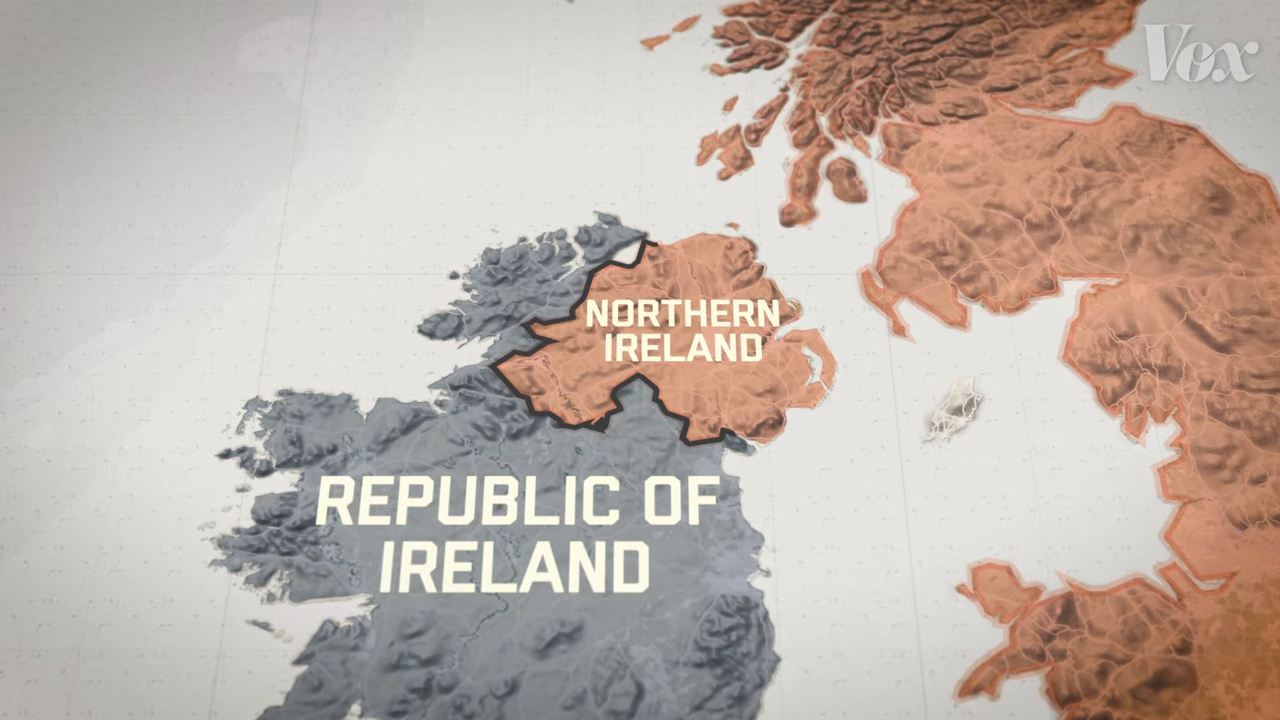
That frame comes from Vox's video How Brexit could create a crisis at the Irish border. It is from 2018, so this is Vox's long-running map style rather than anything new, and it still holds up.
Take the recipe, not the whole meal
The most important rule here is simple. Take the recipe, never the whole meal.
I am not telling anyone to go and copy a big creator's videos frame for frame. It will not work for you, because you do not have their voice, their topics or their budget. What you want is the inspiration: the ingredients that make a style land, brought across into your own content with your own colours, fonts and taste.
There is a legal side to this too. A look, the palette, the motion and the layout, is an idea. Their footage, music, logos and name are theirs. So build the style yourself, use your own clips, and if you show their original for comparison, keep it short and credit them.
How I built a Vox style map animation with AI
Here is the key thing I did differently. I did not ask Claude for "a Vox style map of Ireland". I gave it the ingredients.
I showed it frames from the original, described what I liked about the style, and then told it what I needed from a marketing point of view. Instead of just looking at the map of Ireland, I wanted it to zoom right in, from Ireland, into Dublin, and then further in again to the Spire on O'Connell Street.
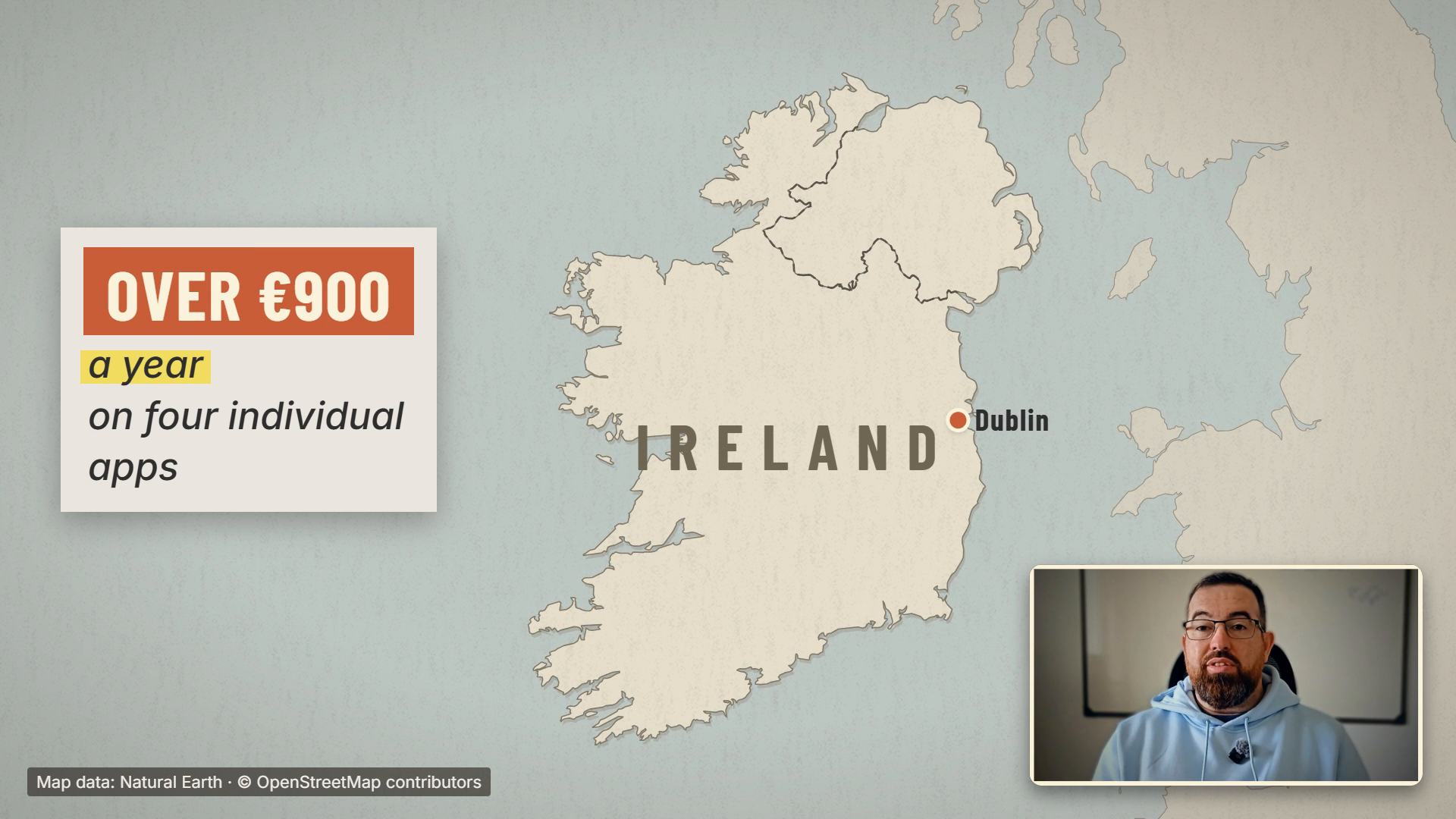
Claude Code wrote the animation and HyperFrames turned it into video. I asked for a few versions with different colouring and different text, picked the one that suited my brand, and dropped it onto a video I already had.
What surprised me most is that once a style works, you keep it. I can save it and use it again on any future edit. When I am explaining something in a script, I can ask for another Vox style piece that focuses on a different place or a different number, without starting from scratch.
The tools: Claude Code and HyperFrames
You only need two things.
Claude Code is Anthropic's coding agent. You talk to it in plain English and it writes and runs the code for you. I never touch the code myself.
HyperFrames is an open-source framework from HeyGen that turns web pages into video. Its own documentation describes it like this: "You make the request; an AI agent builds an editable project; HyperFrames plays or renders it." It is free to use under the Apache 2.0 licence, and its GitHub page had 73,500 stars when I checked on 27 October 2026.
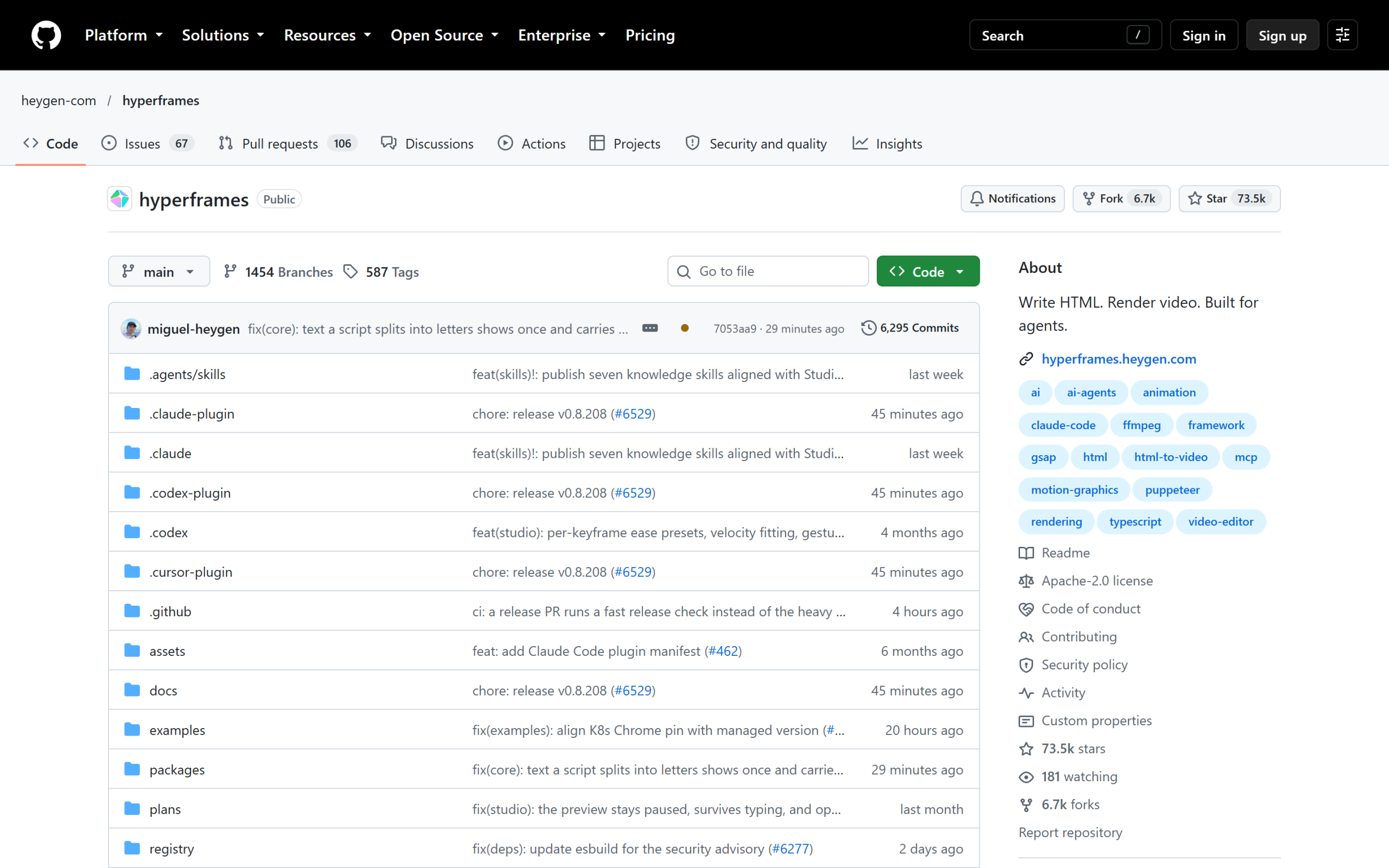
HyperFrames has an official plugin for Claude Code, which you add with two commands from the HyperFrames GitHub page. If you want the longer comparison with the other popular option, I wrote up why I moved over in HyperFrames: The Remotion Alternative I Switched To.
Two more big YouTuber styles, same method
The Vox map is one style. In the video I built two more the same way, and the method did not change.
Pop-up words, inspired by Ali Abdaal. In his talking-head videos, the important words pop up on screen as he says them, almost like he is holding them up. I did not copy the text boxes. I took the idea, power words appearing on the moment they are spoken, and added the tool logos beside the words, because I talk about tools a lot. Used sparingly, this lands far harder than a generic text box somewhere on screen.
Premium text and coloured light, inspired by the Iman Gadzhi channel. Those videos look very premium. My setup is a plain white wall, a phone and a microphone on my chest. So I took the text style and the red light that seems to glow from the bottom of the shot, and brought both into my own footage.
Where this breaks
It does not always work first time, and you should know that before you start.
On the premium style, the first version was rubbish. It turned me completely red. The entire room was red. I had to go back and forth with Claude and explain that it needed to keep me my normal pale Irish colour and only add the red to the room, as if there was a red light in it. After that, it worked.
The same thing can happen with the Vox style. AI can drag the whole original across, sticking to the same colour scheme as the source, when what you want is something of your own. These are small problems. A couple of rounds of plain feedback fixes them, but expect to give that feedback.
The 4 steps to build your own style
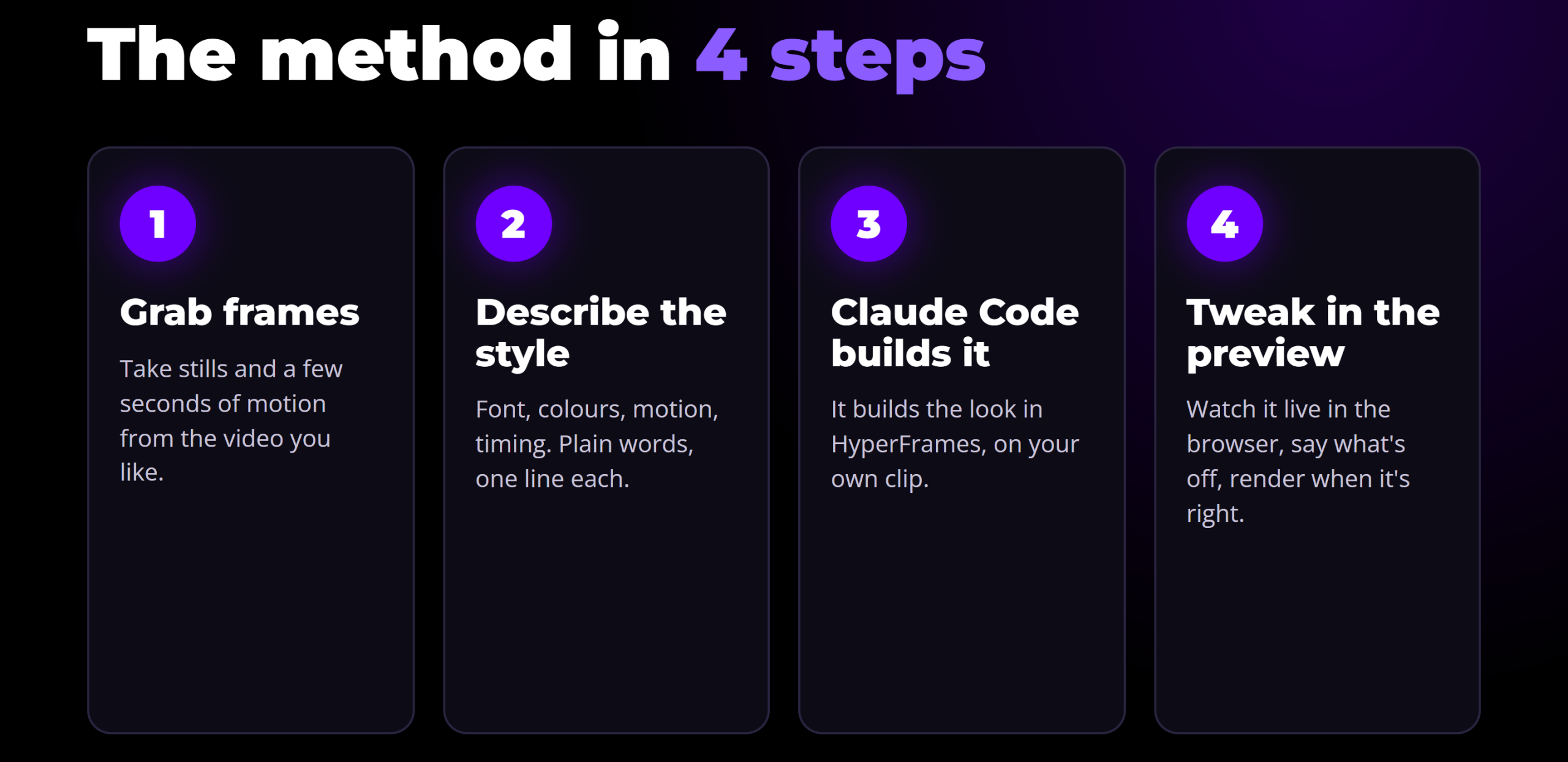
- Grab frames. Take a few stills and a few seconds of motion from a video whose style you like. You can also give AI the full video and let it go through it frame by frame. It uses more tokens, but it saves you scrubbing through the whole timeline yourself.
- Describe the style. Write down what you want to keep and what you want to change. Colours, font, motion, timing. If you never want a map in your videos, say so.
- Let Claude Code build it. It builds the look in HyperFrames, on your own clip, based on what you described and the frames you gave it.
- Tweak it in the preview. Open the preview, check it, and if you are not happy, say what is off and go again. Once it is right, save it as a template for that type of video.
Who this is for
This is for anyone filming and editing their own videos, who feels their content looks plain next to the big channels.
It will not fix a weak video. If the video itself is not good, editing is not going to change that much. But if you want better quality without spending hours learning editing software, this is worth trying.
If you already pay a video editor and can afford it, do not bother. A good editor is worth their money, and they may well use AI themselves, but they know what they want to change. I am not an editor. I leave that to professionals, and I use AI to get my videos to the level I need right now.
Your task for this week:
- Pick one creator in your own niche whose style you like.
- Write down five ingredients: font, colour, emotion, timing and placement.
- Rebuild one five-second moment from their video inside your own video.
You will know very quickly whether it suits you. Sometimes an idea you love looks rubbish on your own videos, because you do not have the same voice or style as the person who made it. That is fine. Keep watching, keep noting what you like and what you do not, and build it into your own style.
If you want help doing this for your own content, I teach it inside The AI Marketing Hub, which comes with a 7-day free trial. For more on how I edit with AI, see my guide to Claude video editing.
Frequently asked questions
What is a Vox style animation?
It is the explainer look made popular by the Vox YouTube channel: a calm, flat map, a slow zoom into one place, and bold label cards that appear as places or numbers are mentioned. The style is about restraint. Muted colours and plenty of space let the labels carry the story.
Can AI make a Vox style map animation?
Yes. I made one with Claude Code and HyperFrames by giving Claude frames from the original and describing the style, then asking for a map of Ireland that zooms into Dublin and on to the Spire. I asked for a few versions, picked the one that matched my brand and placed it on my own video.
Do I need to know video editing or coding?
No. I have no background in either. I tell Claude Code what I want in plain English, it writes the animation, and HyperFrames renders it to video. The skill that matters is describing what you like and giving clear feedback when the first version is not right.
Is it legal to use another YouTuber's style?
A style, meaning the colours, motion and layout, is an idea, and ideas are not protected the way footage is. Build the look yourself on your own clips. Never reuse their footage, music, logos or name, and if you show their original for comparison, keep it short and credit them.
Disclosure: Some links in this article are referral links. If you use one, I may earn a commission at no extra cost to you. I only link to tools I actually use.
How this was made: The facts, numbers and examples in this article come from my own work and videos. I use AI to help draft and structure the writing, then I review and edit every line myself before it goes live.

About the author
I'm Wayne St Ledger, and I run St Ledger Marketing. I started out in construction as a plasterer, then went on to a Bachelor's in Marketing and a Master's in International Business, which is where my bias toward results over talk comes from. I help business owners build marketing systems they actually understand, using AI in grounded, practical ways rather than hype. I also run a YouTube channel on marketing and AI, and The AI Marketing Hub, my own community for business owners and marketers putting AI to work properly.